3D print ideas
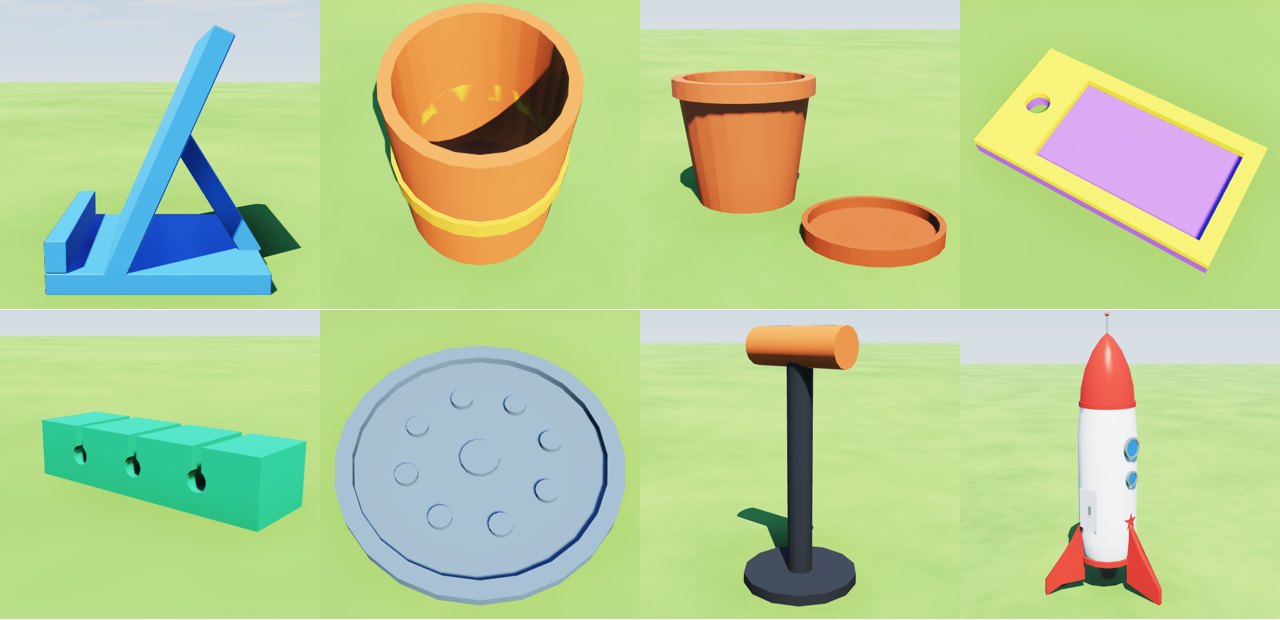
Eight things to 3D print, each built in the Forge, Jabbertoon's free 3D builder: useful things for a desk, a kitchen and a windowsill, and a rocket for a shelf. Open any of them in your browser, change it to suit you, and download it as an STL or a 3MF for your slicer. Each one says how tall to print it, and at that size nothing in it is too thin to print. There is no account to make and nothing to install.
A phone stand
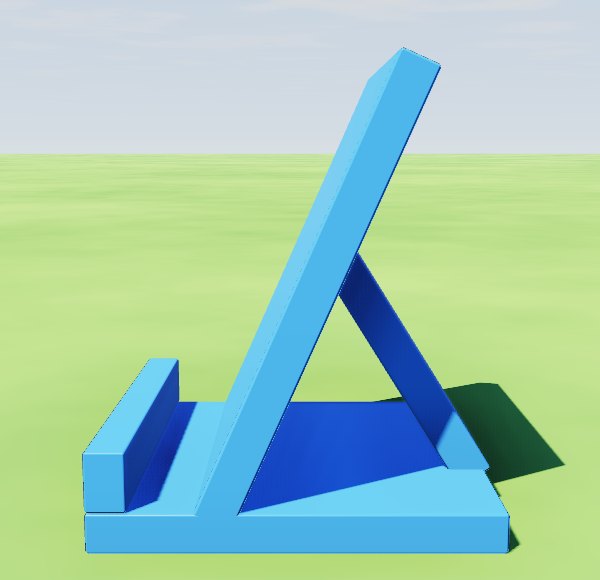
A base, a lip at the front for the phone to stand behind, and a back leaning 24° for it to rest on, with a brace behind it. It holds a phone or a small tablet, upright or on its side. Print it 92 mm tall: 79 × 80 × 92 mm. Open it in the Forge or open it with Export showing, ready to print.
A pen holder
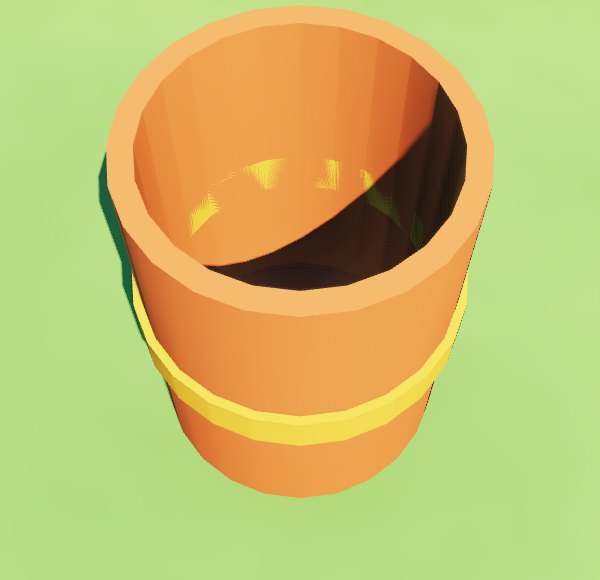
A cup 72 mm across with walls 5 mm thick, a thick floor, and a band round its middle in a second colour. Print it 100 mm tall: 76 × 76 × 100 mm. Open it in the Forge or open it with Export showing, ready to print.
A plant pot with its saucer
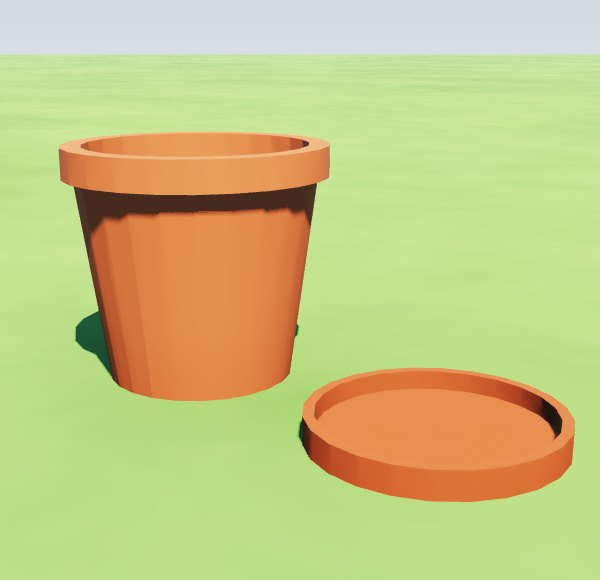
A pot wider at the top, with a rim and a hole in its floor to drain, and its saucer beside it in the same file, so the two print at once. Print it 92 mm tall: the pot is 104 mm across its rim, the saucer 90 mm, and side by side they take 209 × 104 mm of your printer's bed. Open it in the Forge or open it with Export showing, ready to print.
A keychain
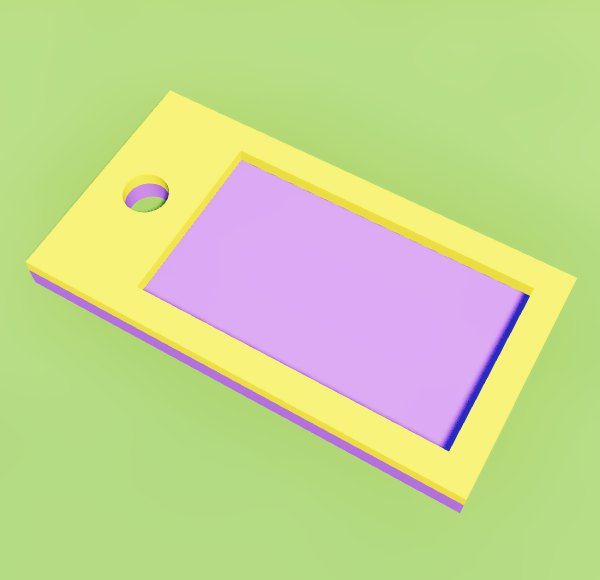
A tag with rounded corners, a raised border round it, and a solid end with a hole for the key ring. Print it 5 mm tall, which here is how thick it is: 60 × 32 × 5 mm. A 3MF keeps the border's colour, for a printer that prints more than one. Open it in the Forge or open it with Export showing, ready to print.
A cable organizer
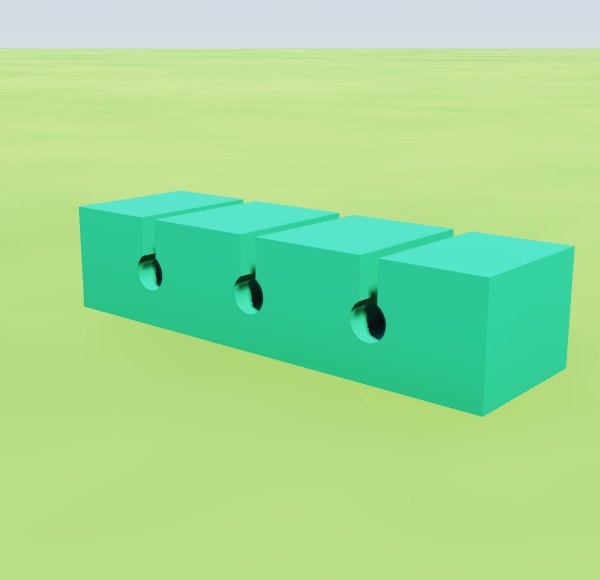
A block with three round holes for cables, 6 mm across, and a slot 3 mm wide down to each from the top: push a cable down through its slot into the hole. Print it 18 mm tall: 80 × 24 × 18 mm. For thicker cables, make the holes and slots wider in the Forge first. Open it in the Forge or open it with Export showing, ready to print.
A coaster
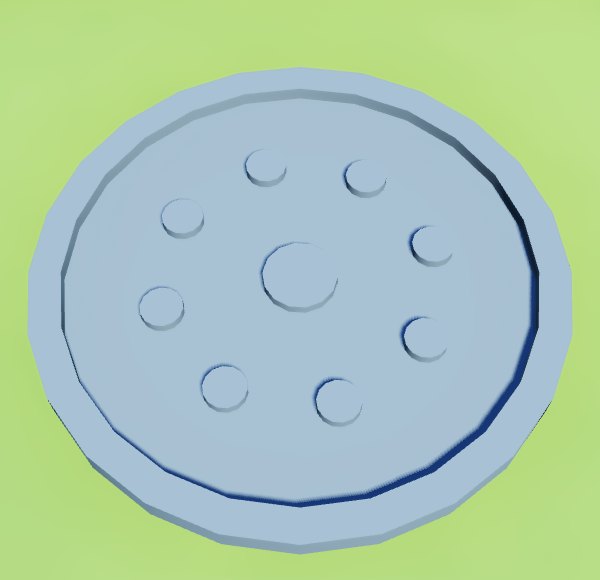
A disc 100 mm across with a raised rim, and a ring of bumps and one in the middle to hold a cup up off the wet. Print it 6 mm tall: 100 × 100 × 6 mm. Open it in the Forge or open it with Export showing, ready to print.
A headphone stand
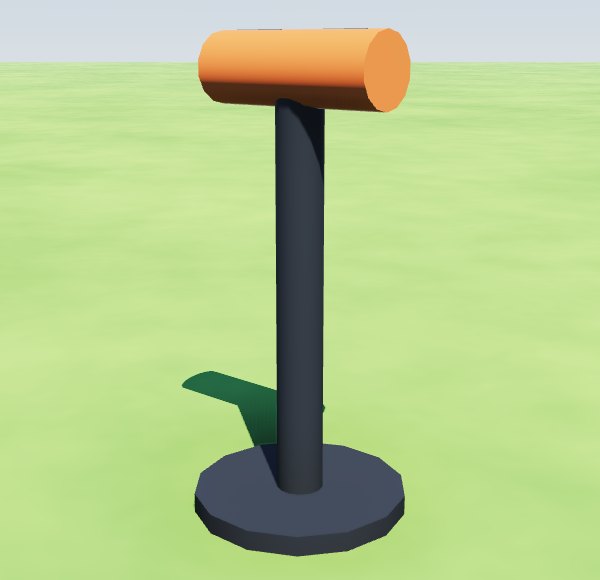
A heavy round base, a post, and a round saddle across the top for the headband. Print it 240 mm tall: 110 × 110 × 240 mm. If your printer is not that tall, print it shorter: the whole stand scales with it. Open it in the Forge or open it with Export showing, ready to print.
A rocket
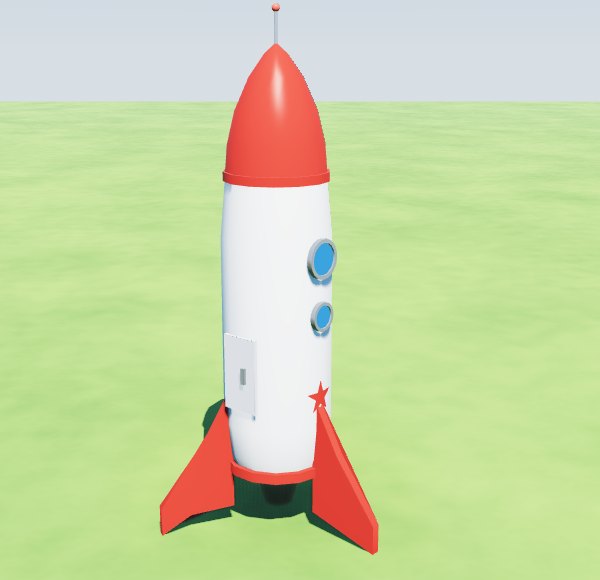
The Forge's own rocket ship: a nose cone and its aerial, two round windows, a door, and three fins it stands on. Print it 150 mm tall: 55 × 64 × 150 mm, nothing too thin. Smaller than that, the Export names what is too thin, its aerial first, and makes it just thick enough to print. Open it in the Forge or open it with Export showing, ready to print.
How to print one
- Open the idea with Export showing. Under For a 3D printer, set Print it ... mm tall to its height above.
- Read the line under it: how big it prints, and any part too thin to print, by name. At its height, each idea here says Nothing is too thin to print.
- Press STL, or 3MF (with its colours), and open the file in your printer's slicer (Cura, PrusaSlicer, Bambu Studio). It prints the parts as one piece and adds the supports it needs.
Change it first
Every idea opens as your own build. Pick a part under Parts, or click it in a view: on the right you change its colour, its shape, and whether it is solid or a hole. In the Side, Front and Top views, drag it to move it, drag its corner square to stretch it, and its round handle to turn it. ↶ takes back what you did. Make the pen holder taller, the phone stand wider for a tablet, or the cable holes bigger, then print it.
Design your own
Start from one of these or from a single shape: free 3D print design software shows how to design a 3D print from parts. The same builds go to Blender, onto paper as blueprints, or into Minecraft as blocks: take your build out of the Forge. Or ask ChatGPT, Claude, Gemini, Grok or any AI assistant that can use tools to build one with the Jabbertoon tools: its answer gives you a link that opens the build with Export showing. How to connect your AI