Free, in your browser, no sign-up
Make a talking 3D cartoon in a minute
Type what your characters say and hear them say it, then keep it as a video for YouTube or TikTok. Animate them with a motion language built to be easy, one command a line. Build your own characters and worlds to film, or make it a game, all right here, with nothing like Blender or Unity to learn first.
🎬 Make a cartoon or video🕺 Animate 3D characters🌍 Explore our worlds
Make them talk in a minute
Sunny and Grump were made right here. Change what they say, who they are and what they do, and keep it as a video.
The easiest start, with no language at all. Type what your characters say and hear them say it in voices made in your browser, mouths moving with the words. Add moves, feelings and a song, and keep it as a video for YouTube or TikTok.
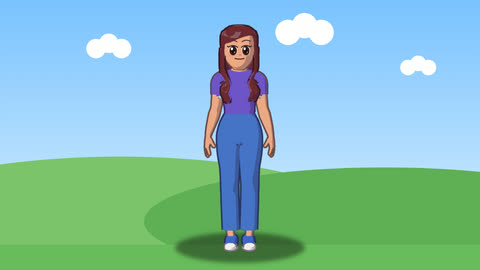
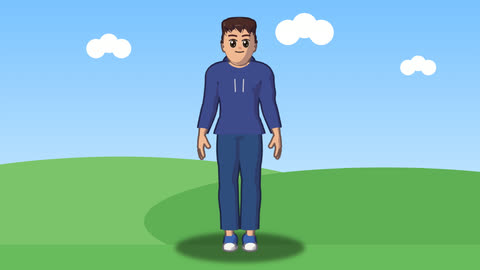
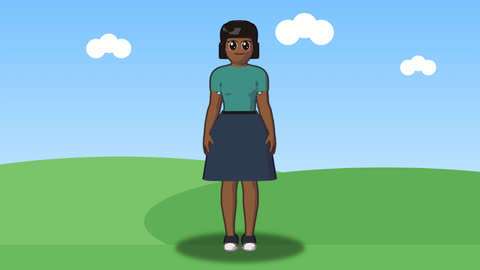
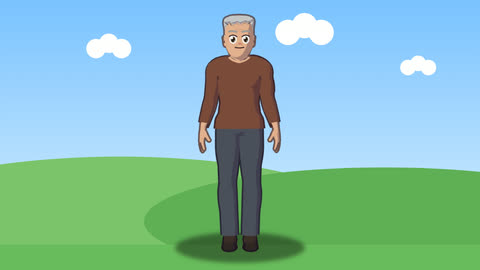
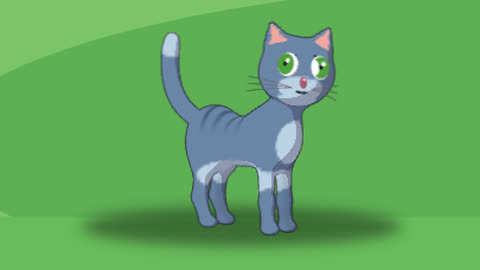
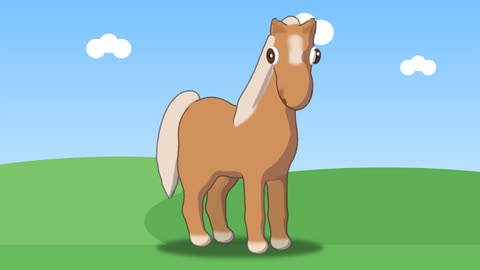
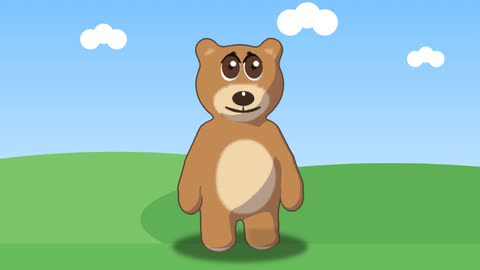 + 46 more
They can do any of202 movesand say anything you type, in a voice made for them or your own.
Animate any 3D character
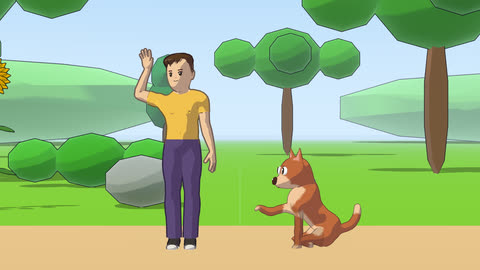
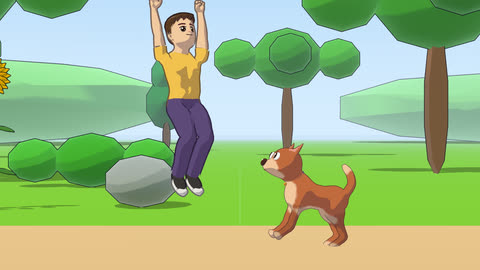
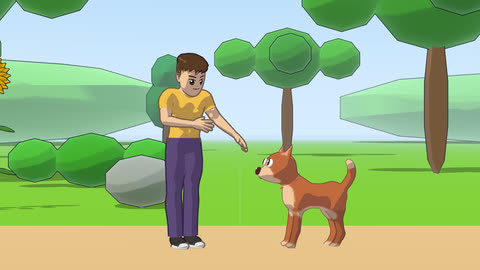
Write how a body moves in the motion language, one command a line with a few clear settings (walk(steps=4), head(turn=30) over 0.4, wave(times=2)), and watch it in 3D. The cast's people and animals play the moves with their feet planted and their blows landing, and so can what you build. Put several in a scene with a camera, or take one into Unity, Godot, Unreal or Blender rigged, with each move a clip of its own. Open Motion · See the moves · Action scenes
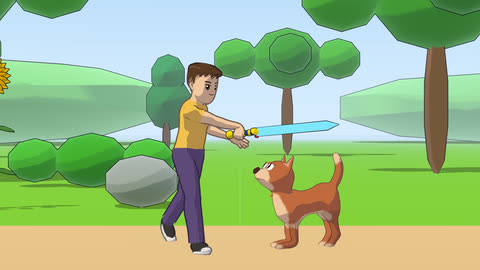
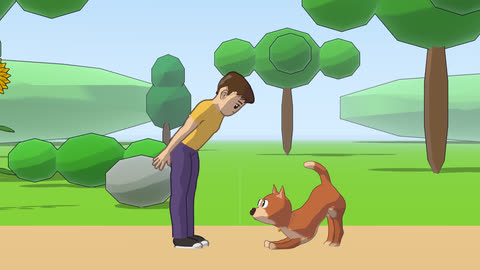
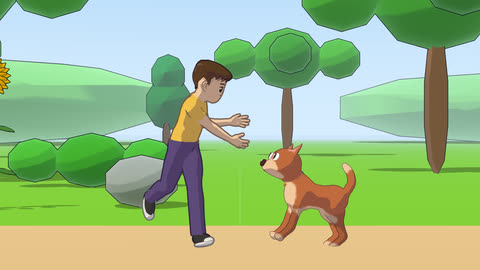
Play now
Walk into a world and play in it, or play one of our games, then make your own. The worlds are new and still being built: tell us what you would add.
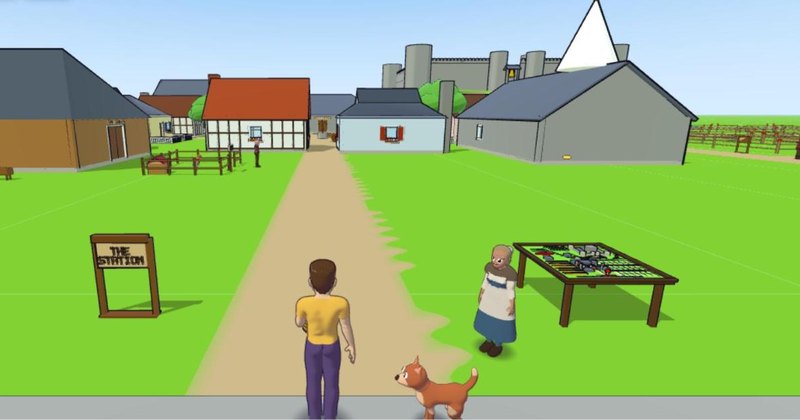 The castle and the village BetaBake bread, fish, buy a dog, watch a joust, build a house.Play
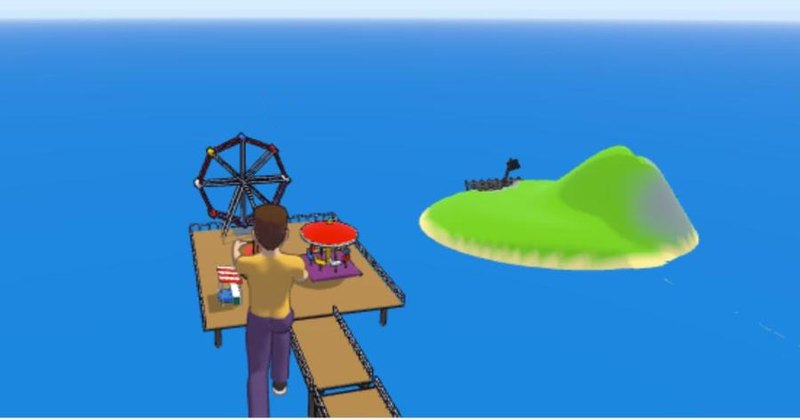 Seacombe, by the sea BetaA pier and its fair, a lighthouse, a tidal island, a boat out to sea.Play
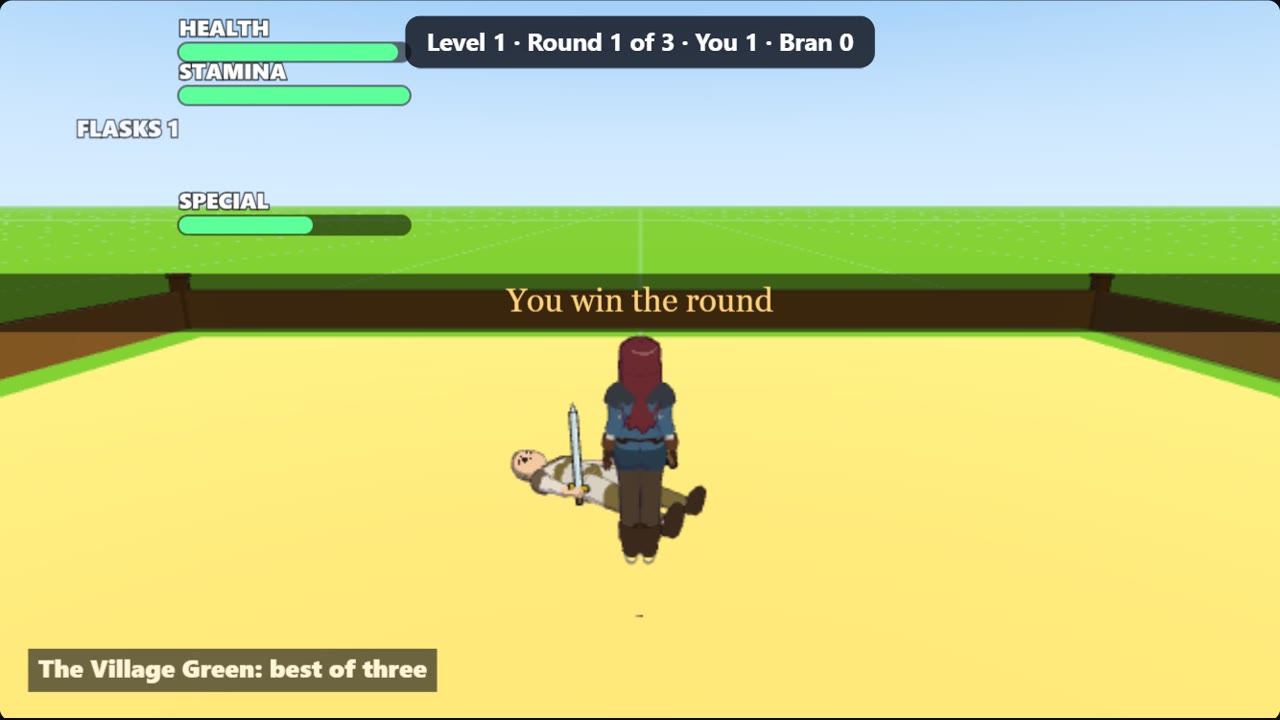 Sword DuelTwelve bouts of sword fighting, new weapons as you climb, alone or with friends.Play
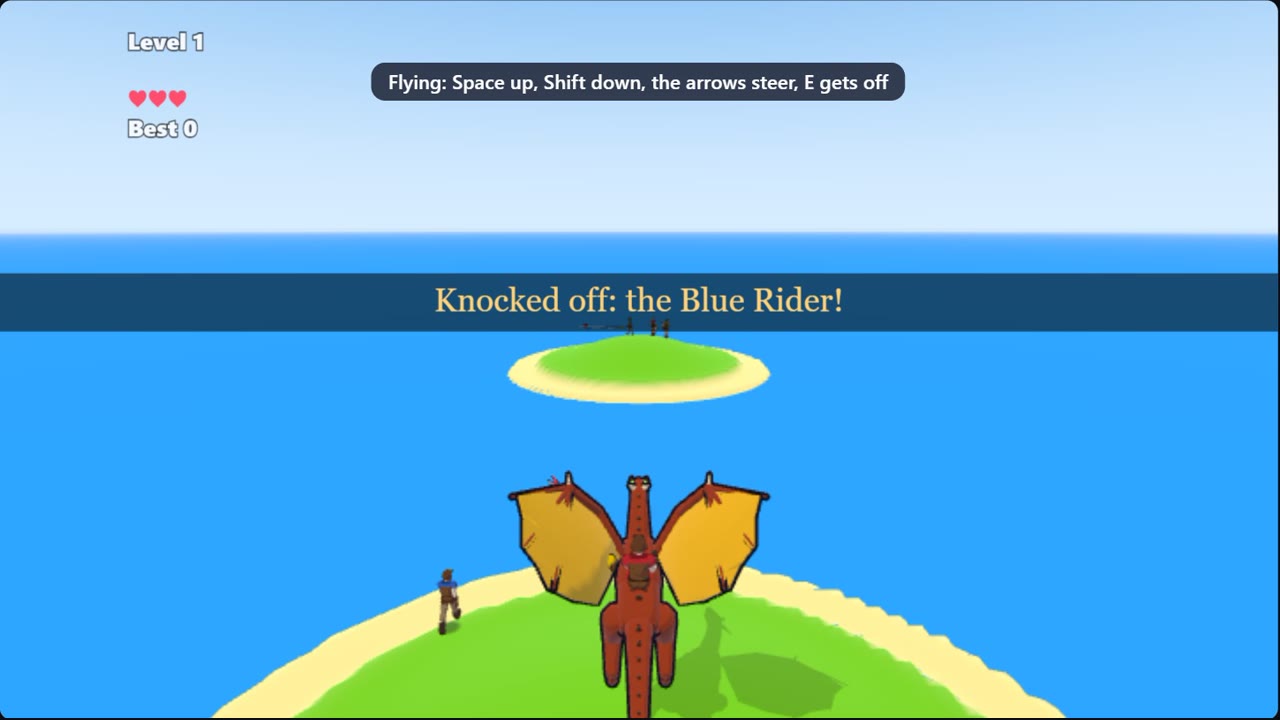 Dragon JoustRide a wyvern over the sea and knock riders off their dragons with your lance.Play
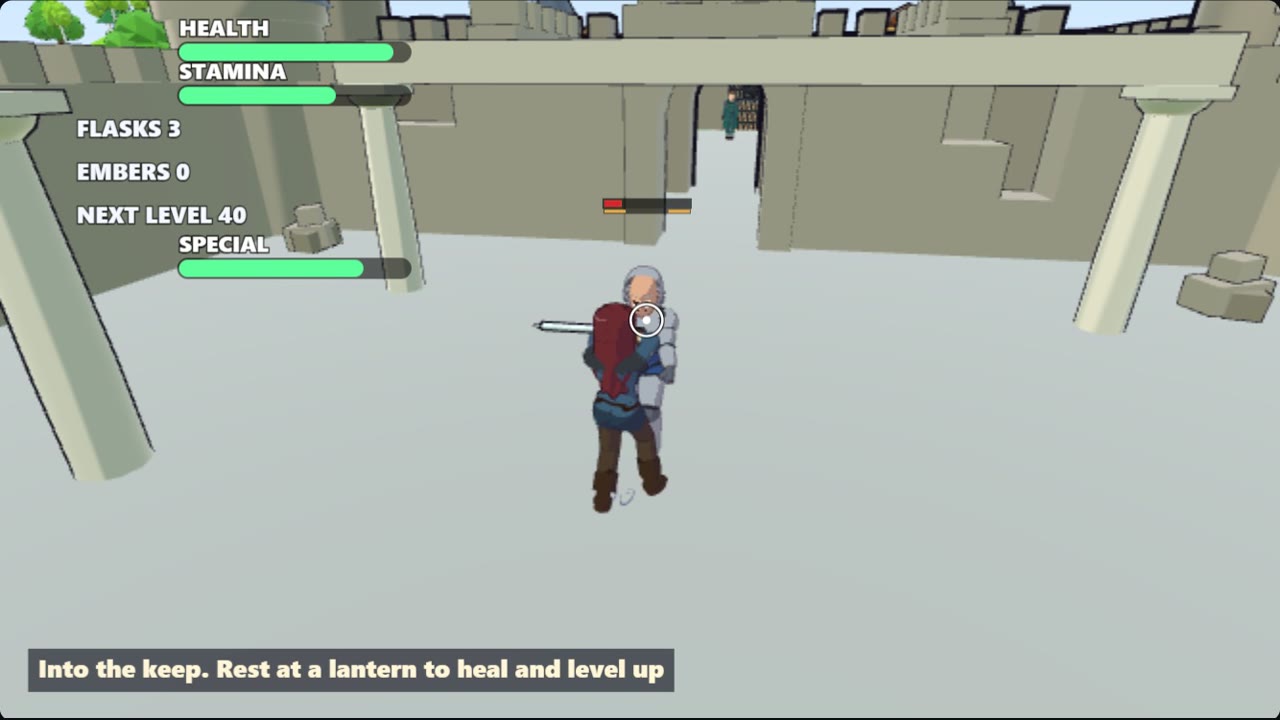 The Old KeepFight a knight, the Warden and the Lord of the Tower through a ruined castle.Play
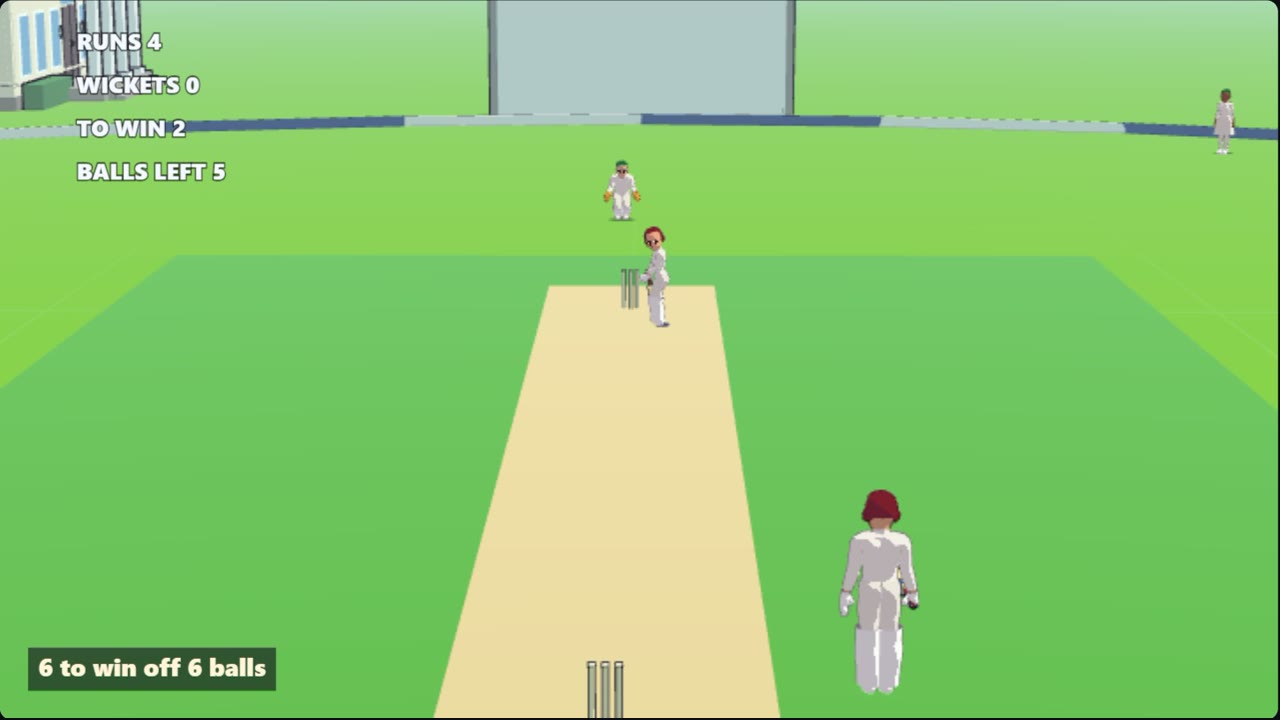 CricketTime each ball, pick your gap, hit fours and sixes and win seven chases.Play
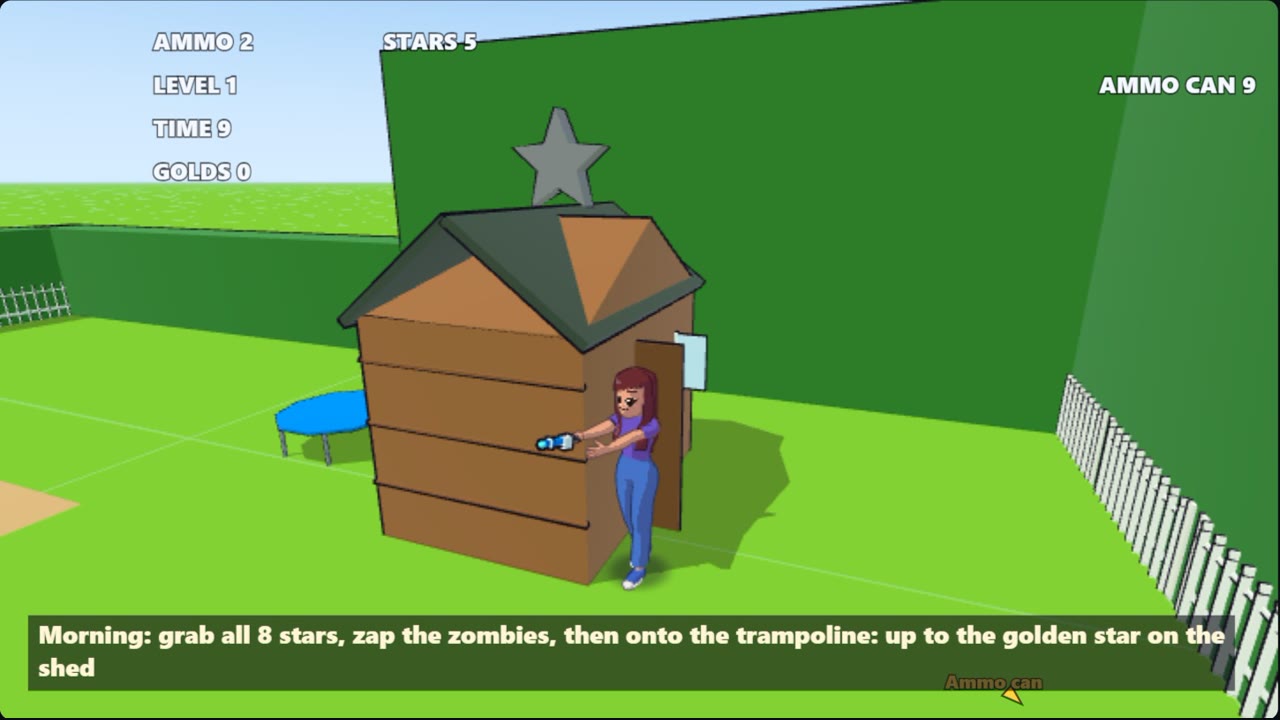 Star DashGrab the stars in twelve gardens with the zombies after you, and bounce to the golden star.Play
Made with Jabbertoon
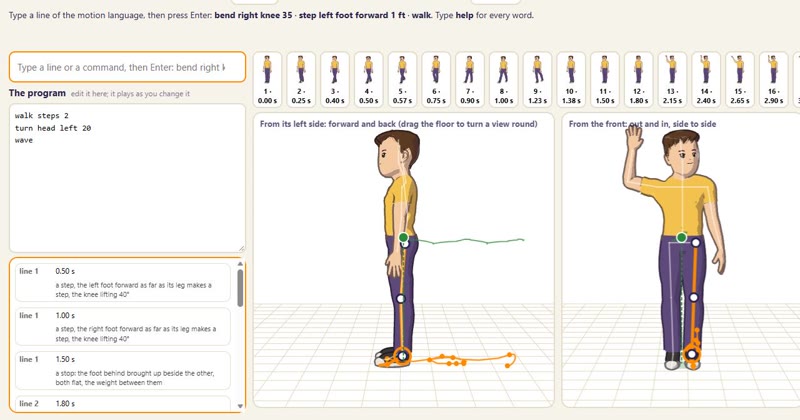 Movement, written in wordsWrite how a body moves a line at a time, walk steps 2, turn head left 20, wave, and watch it in 3D with gravity holding it up. Then put several characters in a scene, each with their own lines.Open the motion lab
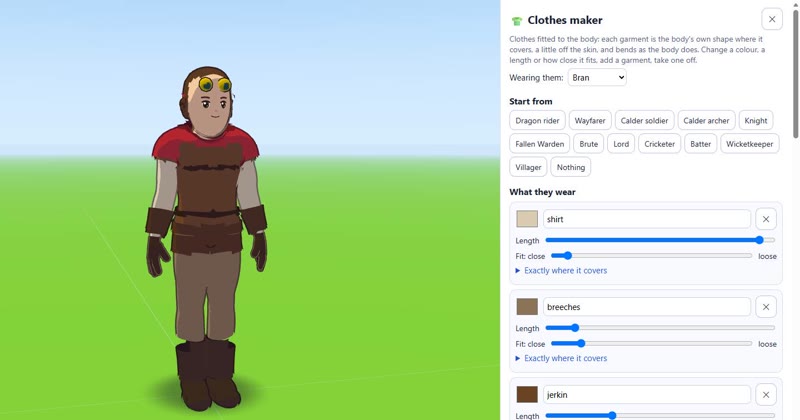 Clothes, made to fitShirts, coats, boots and whole costumes fitted to the body, bending as it moves. Start from a costume, change each piece's colour, length and fit, and dress anyone in your cartoon.Open the clothes maker
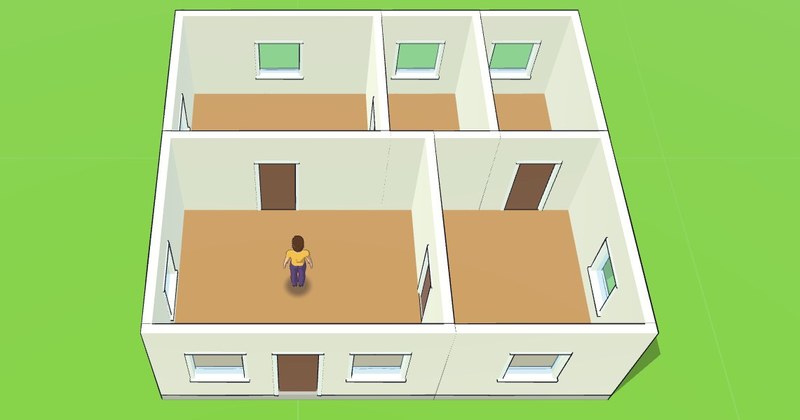 Floor plans in 3DDrag out each room from above, put in the doors and windows, put a roof on, then walk through the house you drew. Save it as blueprints, for an architect's program, or for Minecraft.Draw a floor plan
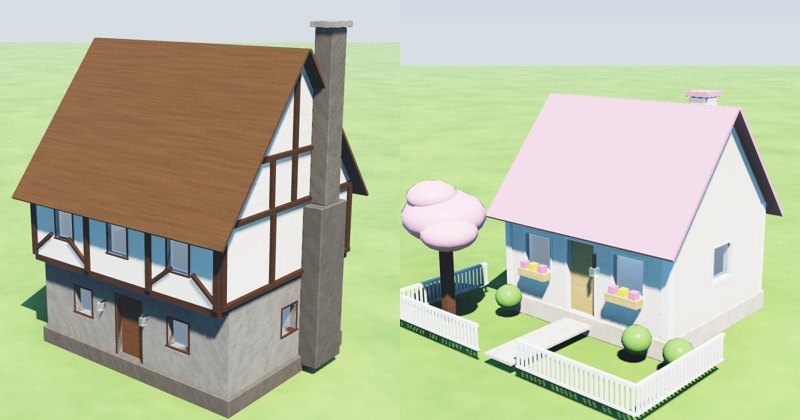 Minecraft housesSeven houses to build and take into Minecraft, from a medieval house to a cute cottage, each with a tutor that walks you through it. Change one, then save it for Java, Bedrock or Education.See the houses
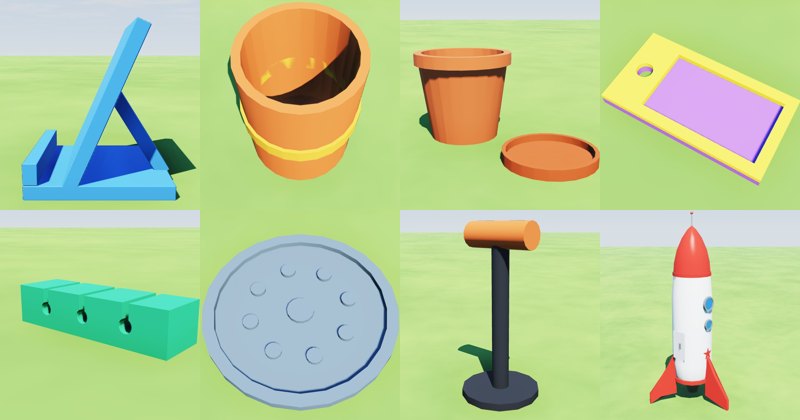 3D printingDesign what you want to print from parts, see what is too thin to print at your size, and download an STL or 3MF for your slicer. Or start from one of eight ideas, from a phone stand to a rocket.See the print ideas
Build it, bring it to life, use it anywhere
Build it
in the ForgeBring it to life
in Cartoon or MotionPlay it or explore it
in Game or WorldTake it anywhere
from any tab
What you can make
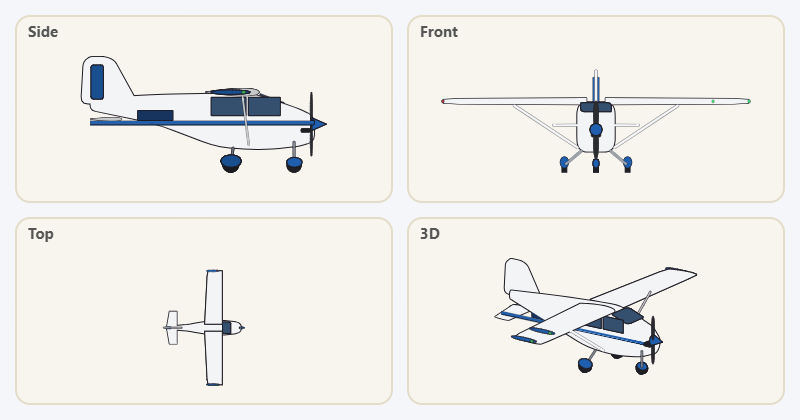 3D models, characters and thingsThe Forge is a free 3D character creator and builder in one. Make a person, an animal, a dragon, a car or a house, from one of ours or from nothing, and change any part of it. Then animate it in Motion, put it in a cartoon, a world or a game, 3D print it, or take it into Blender, Unity or Minecraft.Open the Forge
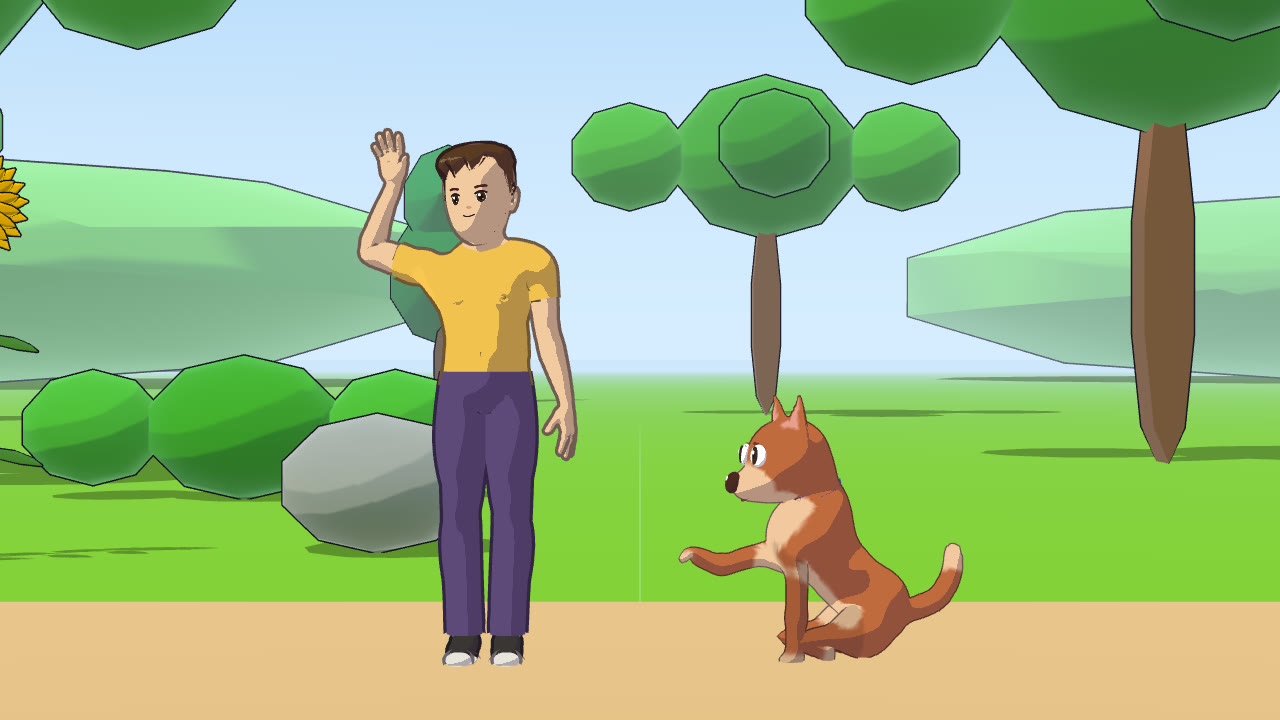 Cartoons and music videosType your characters' lines and hear them spoken with free voices made in your browser, mouths moving with the words. Add moves, feelings, shots and a song, and keep the video.Make a cartoon
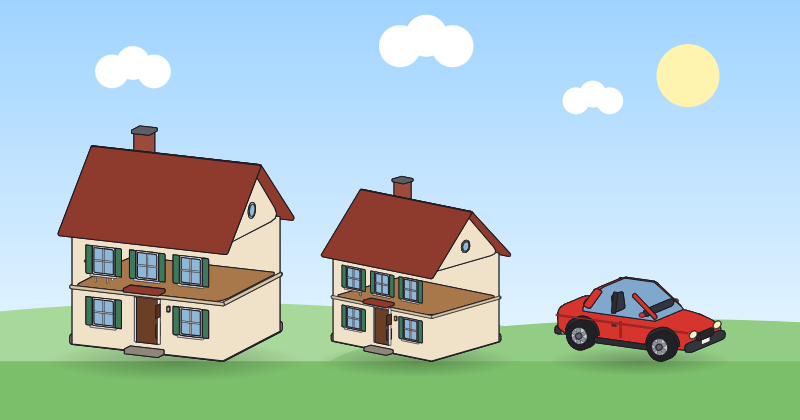 WorldsA sandbox game like Minecraft. Walk into a world in 3D and build it from inside: raise and dig the land, build with blocks and your own builds, with a friend at the same time, then take it to Minecraft, Blender or Unity.Make a world
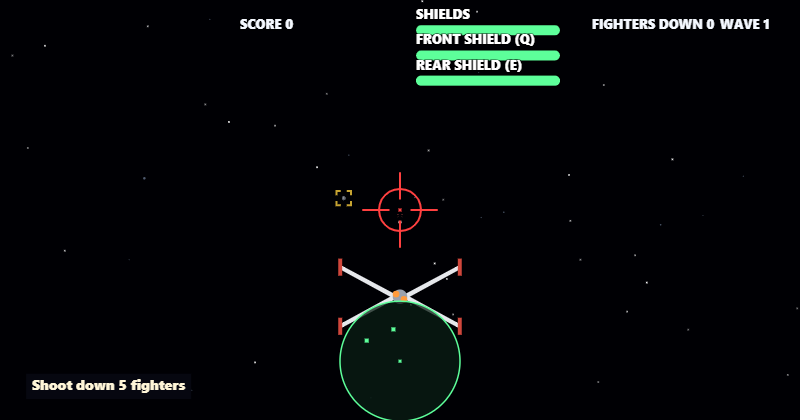 GamesMake your own game without code, flat or in 3D, with buttons: who is in it, its rules and its levels. Then play it, or play your cartoon's own levels.Make a game
Moves. Whatever you build can talk, walk and play every move on the site: wave, walk, jump, dance. Pose its parts in time in the Forge's move maker, and dozens of moves are ready to use. See the moves
Free, private, nothing to install
- Making, playing and sharing on Jabbertoon are free, with no advertising. Videos for your own use, not for a business, are free up to 3 minutes and carry a small Jabbertoon mark; a longer video, one without the mark, or one for a business is paid in credits, with an account on my.jabbertoon.com.
- It runs in your web browser. There is nothing to install.
- Making, playing and sharing need no account and no sign-up: nobody is asked for a name, an email address, an age or a password.
- Nothing you make is stored on a server unless you choose to: your characters, moves, lines and recordings stay in the browser on your device, unless you save them to a file, copy a link to your cartoon, which carries its lines inside it, build a 🌍 World with friends (it travels through our server while you do), keep a World on with an account, or keep a cartoon, a world or a game in your account's My things (each kept on our server until you delete it).
- Your cartoon downloads as a video file: MP4 where your browser can record MP4, otherwise WebM.
A film for your business
Transcript: Why explainer videos work
Grump: Our website has twelve pages. Nobody reads them.
Sunny: So don't make them read. Show them.
Sunny: Here is why explainer videos work.
Sunny: Nearly everyone has watched one to learn about a product.
Sunny: And most people have bought something because of one.
Sunny: A good one does three things.
Sunny: A problem they know.
Sunny: Your fix.
Sunny: One next step.
Grump: Those used to take weeks. And a lot of money.
Sunny: Now you just describe it. A bakery that delivers by bike.
Ria: Fresh bread, at your door before breakfast!
Sunny: Your words. Your look. Your voice. In minutes.
Grump: And nobody reads twelve pages again.
Sunny: Make yours at jabbertoon dot com.
Made here, in the 🎬 Cartoon: type what your business does and the lines, and your people say them in the voices you pick, in an office, a shop or a bakery, with your words and numbers on the picture as they are said, then keep it as a video. Open this film and make it yours, or make one for your business.
Build it with AI using the Jabbertoon tools
Ask ChatGPT, Claude, Gemini, Grok or any AI assistant to build with you: "make a cartoon where Sunny tells Grump a joke in Jabbertoon", "build me a lighthouse with a red roof", "make a small town I can walk through". An assistant that can use tools connects to Jabbertoon's own, free and with no key: it builds what you asked for, checks it, and gives you a link that opens it here, in the Forge, a world or a game, for you to change and keep. An AI chat with no tools can still write you a cartoon from the prompt kit. How to connect your AI
Learn by making
Every part of Jabbertoon is made to be learned by doing: the guides walk you through your first cartoon, a character, a move and a world, a step at a time, and every move on the site shows its program line by line with two changes to try. What you learn in one part works in the others, because it is all one editor.
For teachers
Jabbertoon works for a class: no accounts for anyone, nothing a student makes is uploaded or stored on a server, and it runs in an ordinary web browser with nothing to install, on a Chromebook as well as a laptop. The teachers' page has the domains to allow, how students save and hand in their work, and a unit to teach with.
Explore
- Moves: every ready move, from a hop to a bow, played by the cast in 3D, each with its program explained line by line.
- Motion: the motion language, movement written as words and played in 3D, with a guide that teaches it.
- Characters: the cast in 3D, six people and ten animals, each ready for a cartoon, a world or a game.
- Learn: guides to making cartoons, characters, moves and worlds, Minecraft houses, 3D print ideas, floor plans and a sandbox game like Minecraft, and the 12 principles of animation shown with real moves.
- Videos: short, funny films about how cartoons and games work, each made with Jabbertoon and ready to open in the editor and change.
- For developers and for AI assistants: the file formats, the block language and the free tools that let an AI assistant build with Jabbertoon too.
- Coming from Toontastic? How Jabbertoon compares, with every fact linked to its source.
Questions
Is it really free? Does anyone need an account? Where does what you make go? The answers, from cost to privacy, are on the questions page, and teachers will find a printable summary on the teachers' page.