Learn
Video lessons and short, practical guides. Each one works in the browser as you follow it, with nothing to install and nothing to sign up for.
Video classes
Eleven classes with Mr. Bell and Sam, a few minutes each, from a first cartoon to games in 3D and building with an AI helper. Each opens on the video classes page, with its transcript.
 Class 1, your first cartoon3:49
 Class 2, make them move3:05
 Class 3, voices and a video4:15
 Class 4, build a character2:38
 Class 5, a move of your own3:31
 Class 6, a land3:00
 Class 7, a level2:18
 Class 8, a whole game6:17
 Class 9, a game with depth2:32
 Class 10, building with an AI helper1:48
 Extra class, together3:31
Want something lighter? The videos made with Jabbertoon are short, funny films about how cartoons and games work, and each one opens in the editor for you to change.
Cartoons and voices
- Make your first cartoon in 5 minutesTwo characters, a line each, free voices, a move and a video to keep, in five minutes.
- Make a talking cartoonType the lines, hear them in free voices or record your own, and watch the mouths move.
- Make a cartoon with an AI assistantAsk an AI assistant with Jabbertoon's tools for a cartoon, then watch, change and record it.
Characters and moves
- A free 3D character creatorStart from one of fifteen characters and change their body, face and colours.
- Make your character wave: a first move with blocksLift an arm, swing the hand: a first move made with blocks, and a character waves it.
- Free bone animation in your browser, no accountBuild a character on bones from a spine, legs, a neck and a tail, then bend them into a move.
Movement can be written as words too, a line at a time: the motion lab and its guide.
Games
- Make a zombie game with a live tutorA goal, a danger, a challenge and a reward: a 3D zombie game, with a live tutor beside you.
- Make a game without codeA place, who is in it, and rules that say WHEN and DO; start blank or remix a ready game.
- How game engines animate charactersRigs, clips, retargeting and IK: how Unity and Godot animate, with moves to play.
Worlds and Minecraft
- A sandbox game like Minecraft, free in your browserShape the land, dig a lake, plant trees and build houses, with friends, then take it into Minecraft.
- Minecraft house ideasSeven houses to open, change and take into Minecraft, each with a tutor.
- A free floor plan creator in 3DDrag out each room from above, add doors, windows and a roof, then walk through it.
- A free Minecraft schematic makerSave a build or a whole town as .schem, .nbt or .mcstructure for Java, Bedrock or Education.
Seven houses, each to open in the Forge and take into Minecraft, with a tutor that builds it with you:
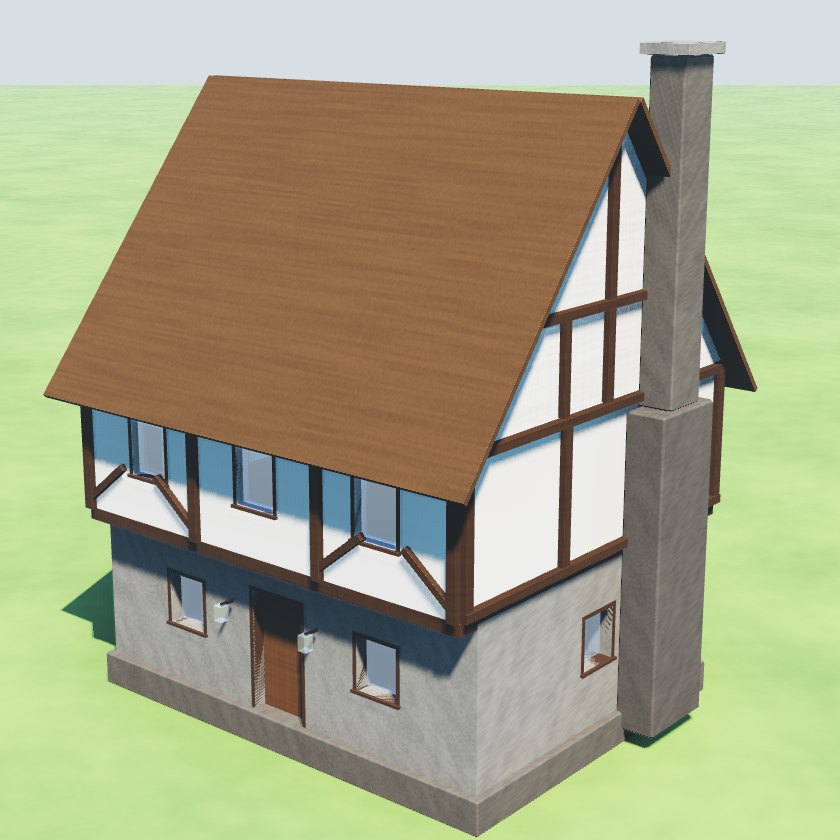 A medieval Minecraft houseStone below, a timber-framed upper floor and a chimney.
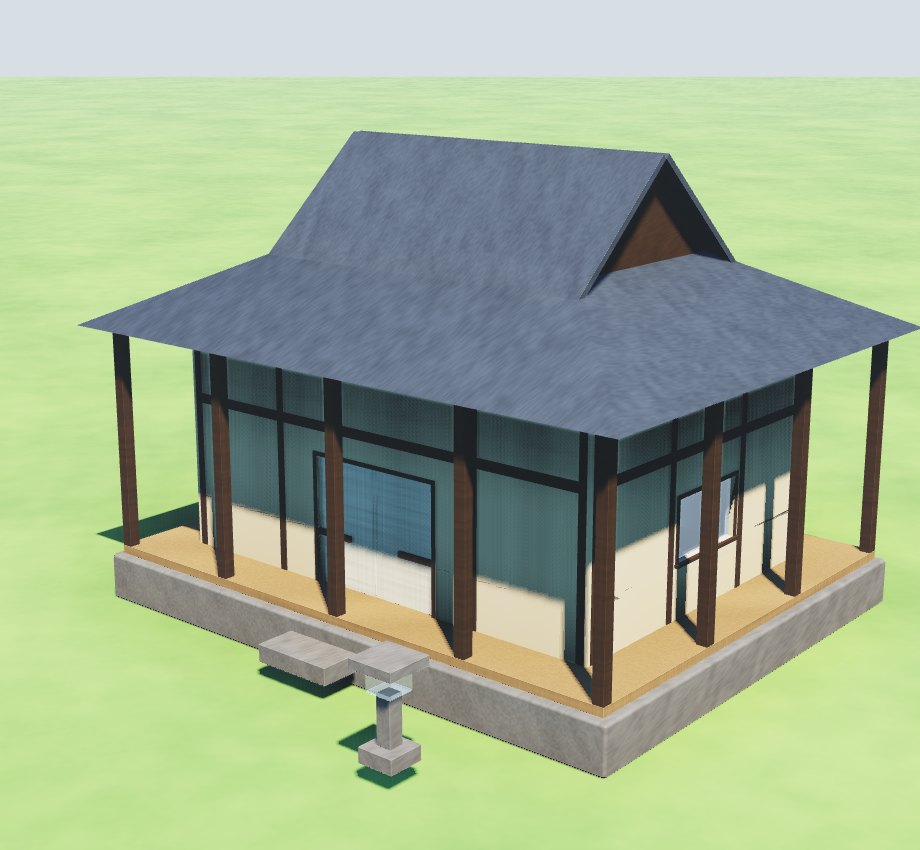 A Japanese Minecraft houseA raised veranda, sliding doors and a tiled roof.
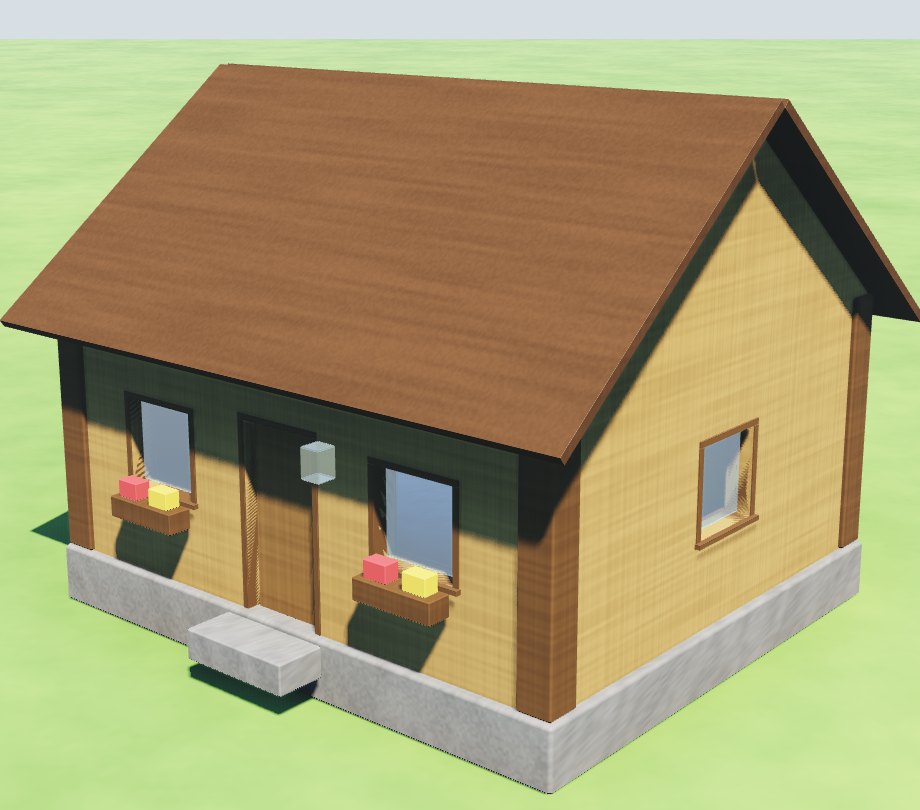 A simple Minecraft houseOak planks, log corners and flower boxes.
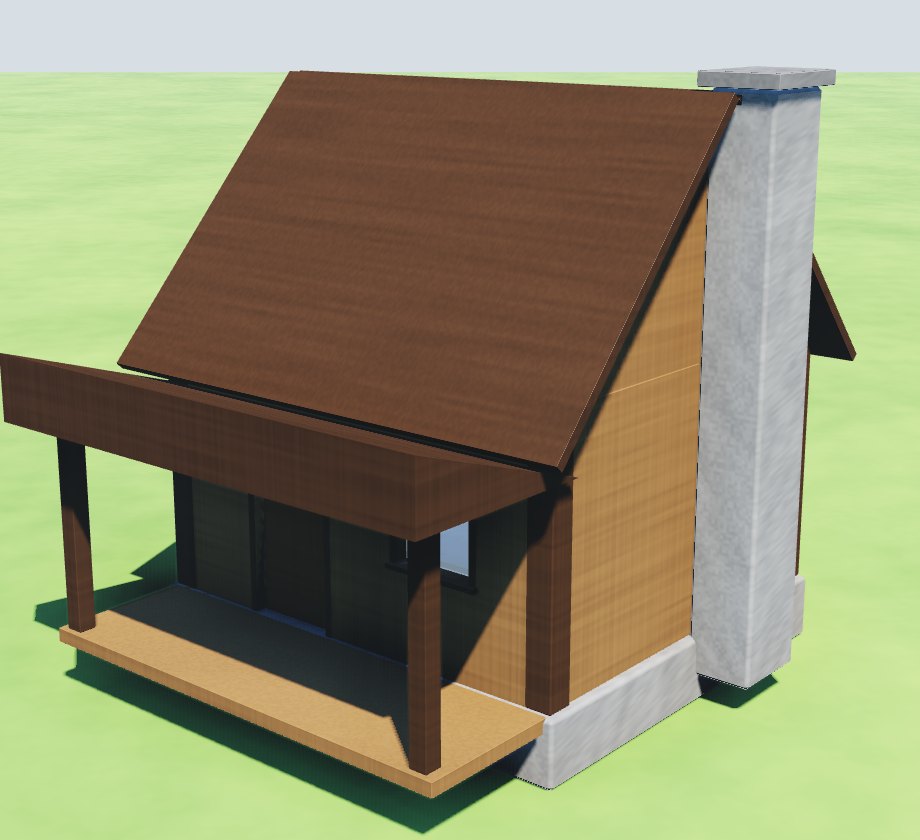 A small Minecraft houseA spruce cabin with a porch.
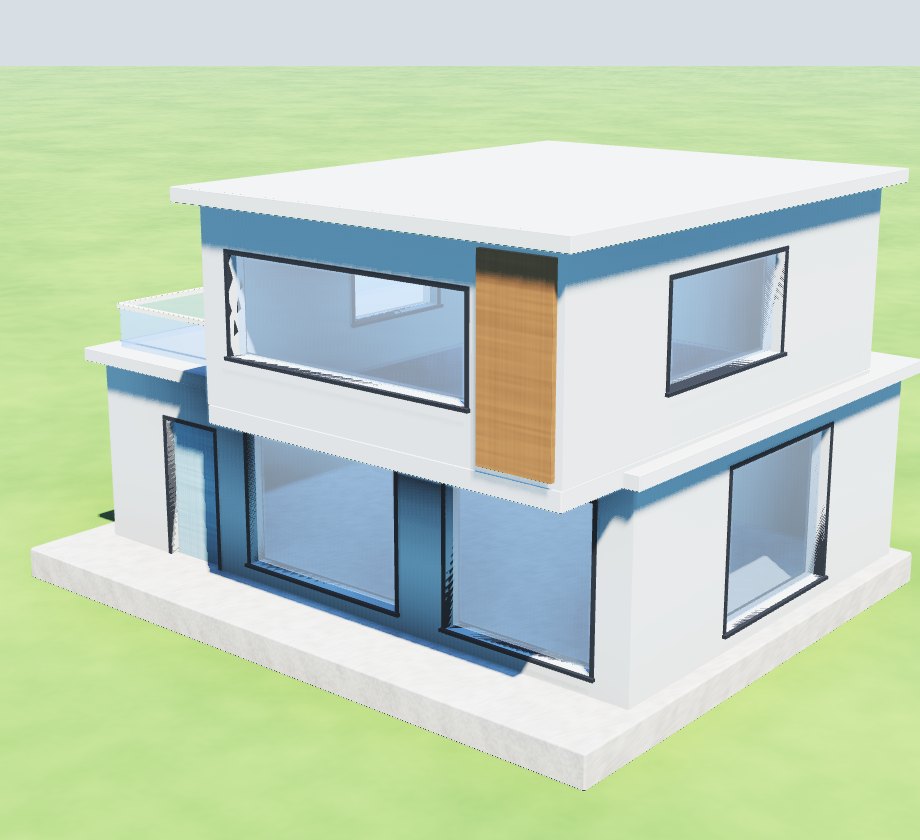 A modern Minecraft houseBig windows, flat roofs and a glass-railed terrace.
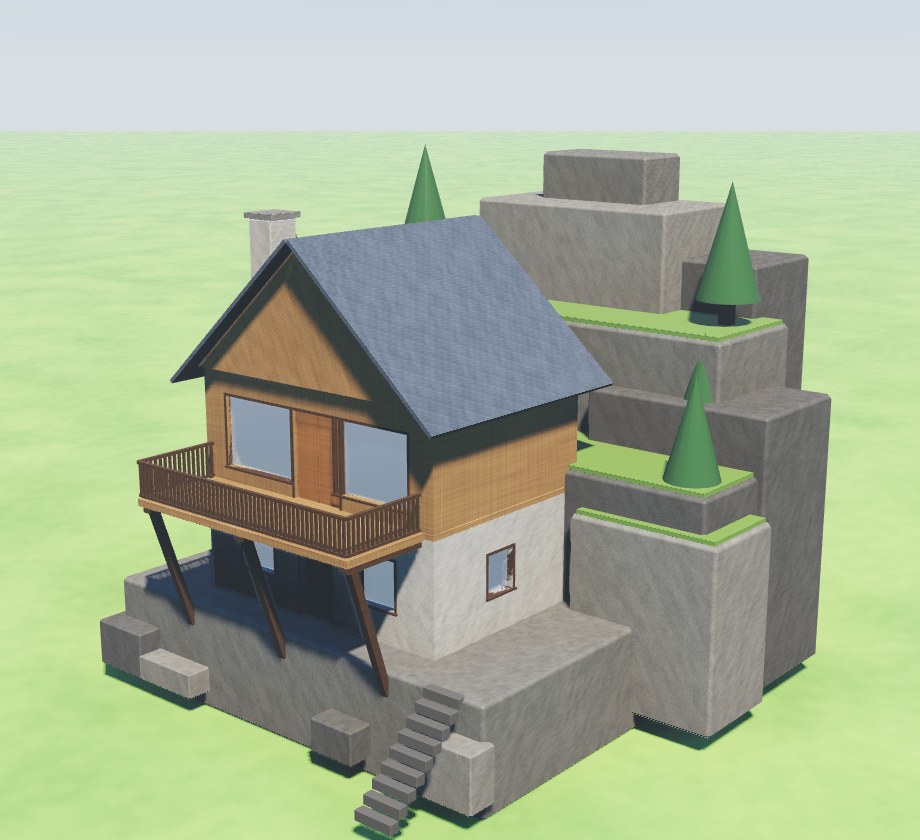 A Minecraft house on a mountainSet into a rock ledge, with a deck out over the drop.
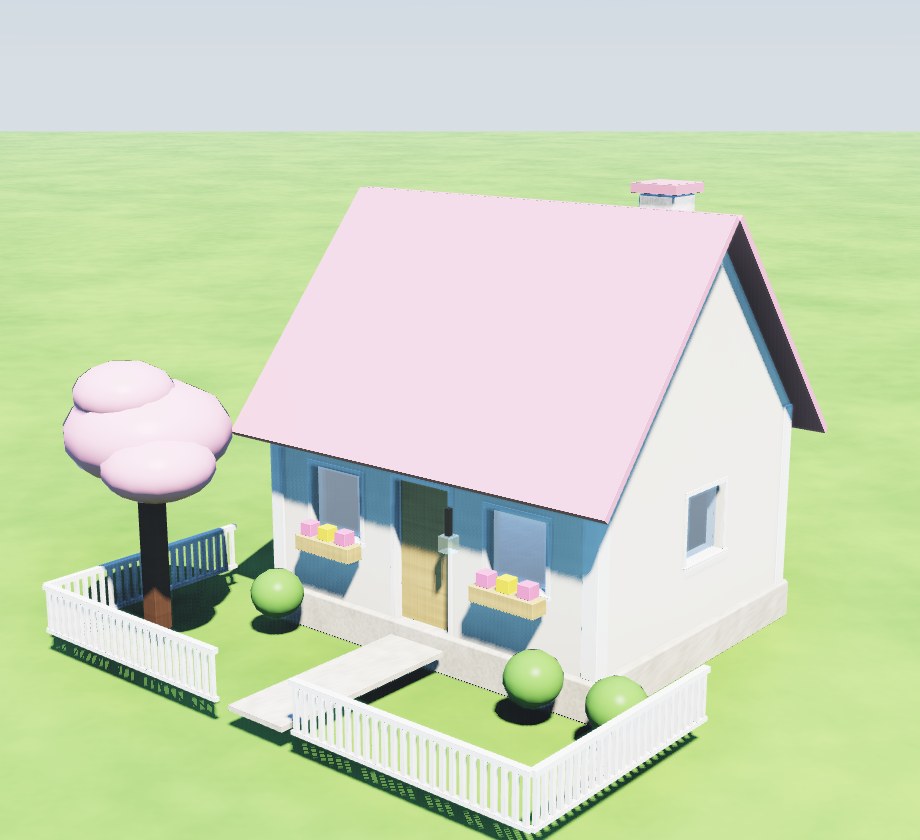 A cute Minecraft houseA cream cottage with a pink roof and a picket fence.
3D building and 3D printing
- A free 3D builder online, an easy Blender alternativeBuild characters, houses, cars and dragons from parts, then take them out.
- 3D print ideasEight things to print, from a phone stand to a rocket, each with how tall to print it.
- Free 3D print design software, in your browserDesign a print from parts, see what is too thin, and download an STL or 3MF.
- Take your build out of the ForgeFrom the Forge to a 3D printer, blueprints, Blender or Minecraft.
Animation, one principle at a time
Hands-on lessons on the principles animators work from, each made in the editor as you read it, easiest first.
- The 12 principles of animationAll twelve, each with a move that shows it and one number to change.
- Follow-through and overlapping actionA lesson in follow-through, one of the 12 principles of animation: a leap where the body stops and the ears and tail keep going. Free, in the browser.
- Secondary action: a gesture under a lineA lesson in secondary action, one of the 12 principles of animation: a character says two lines, then a shrug and a point make them clearer. Free.
- Squash and stretch: a hop made with blocksA lesson in squash and stretch, the first of the 12 principles of animation: a hop that squashes as it lands and stretches as it springs. Free.
- Animate a jump: anticipation and easeAn animation lesson in the Forge's move maker, with keys: a jump that sinks before it springs, slows into its top and speeds into its landing. Free.
- Arcs in animation: see the path a move takesA lesson in arcs, one of the 12 principles of animation: key a hop, show its path, and watch a straight lift become a curve that looks alive. Free.
- Timing in animation: the same nod, fast and slowA lesson in timing, one of the 12 principles of animation: make one nod twice, quick and slow, and see how the time it takes changes what it means. Free.
- Exaggeration in animation: a wave, then a cartoon waveA lesson in exaggeration, one of the 12 principles of animation: make a wave as a person waves, then push it further until it reads at once. Free.
- Stage a scene with the cameraA lesson in staging, one of the 12 principles of animation: show the audience where to look with close-ups, a push in and a spotlight. Free, in the browser.
For teachers
The teachers' page has a 45-minute first lesson, a two-week unit with a rubric, class ideas for ten subjects, and what IT needs to allow.
- A Scratch alternative for high schoolAfter Scratch: rules as blocks and as text, characters in 3D, real animation.