Make a talking cartoon
A talking cartoon needs three things: characters, the words they say, and voices that say them. In Jabbertoon you type the words, the voices are made inside your own browser, and the characters' mouths move with the sound. Nothing you type or record is sent anywhere, and no AI writes or draws anything for you: the story is yours.
Type the lines
In the studio, each line of the cartoon has a speaker and its words. Type what each character says, in the order they say it. Short lines work best: one idea per line, five to twelve words. You can also add a caption for a line, words that appear on screen, which is useful for a narrator or a sound effect.
Make the voices
Press the button that makes the voices. The first time you do this on a device, the studio downloads a free voice model of about 92 MB, once, and the button tells you the size before you press it. After that, the voices are made on your device, line by line. The model is Kokoro-82M, an open-source voice model, and it runs in your browser; your words never leave your computer to be turned into speech.
Each of the two characters gets its own voice, chosen from a list, so a dog does not have to sound like a teacher. Try a few until each one sounds like itself.
Or record your own
If you would rather perform the lines yourself, record them with the microphone instead. The recording stays on your device too, and it needs no download at all.
Watch the mouths move
When a character speaks, its mouth opens and closes with the loudness of the voice, many times a second, so the words and the mouth stay together. Give the speaking character the Talk move and its whole body joins in: the louder the line, the bigger the bob and the gestures. A character who is listening can play a quiet idle such as Breathe so it does not freeze.
Here is Talk, playing as if a line were being spoken. Its arm swing is a number times the loudness of the voice; make the number bigger and the gestures grow with every loud word.
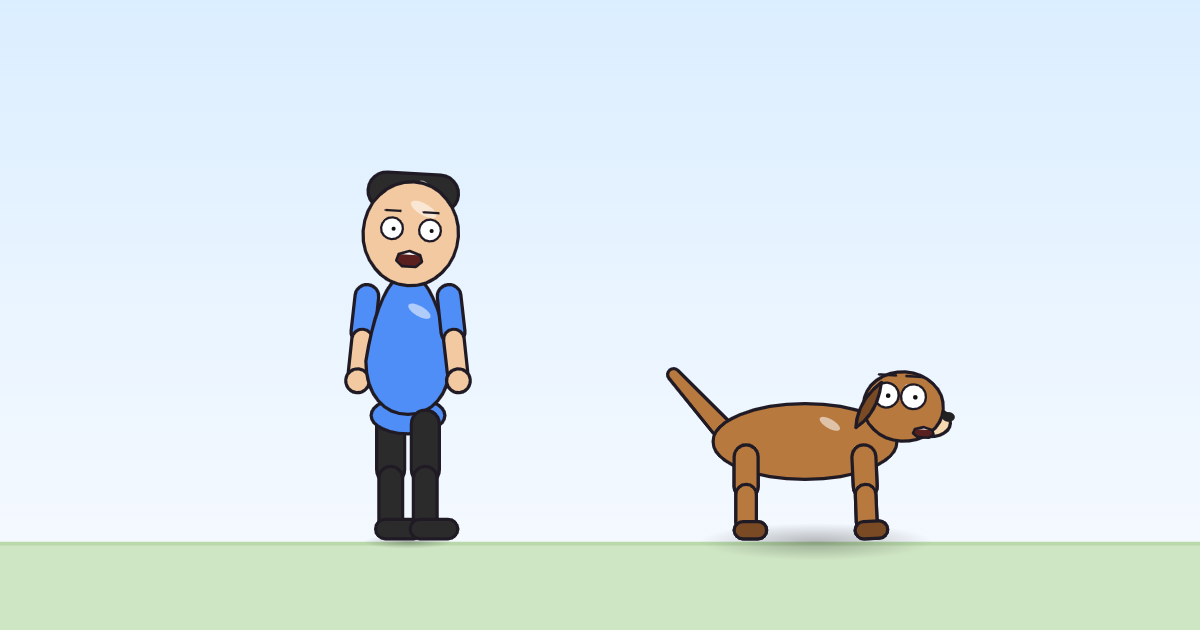
swingPart · deg "=14*loud" → "=40*loud"Make the video
Press Play to watch it, then make the video and download it. The studio records the cartoon as it plays, so keep the tab open and in view until it is done. The file is MP4 where your browser can record MP4, otherwise WebM.
Tips for good talking scenes
- Let characters take turns. Two characters talking at once is hard to follow.
- Use a feeling move for the reply: Annoyed for "Is it?", Jump for joy for "Hooray!".
- Leave a beat of silence after a surprise. A short pause is part of the joke.
- Read the lines out loud before you make the voices; if a line is hard to say, it is hard to hear.
The first-cartoon guide goes through the whole studio in five minutes, and teachers will find classroom notes on the teachers' page.