A sandbox game like Minecraft, free in your browser
The World is Jabbertoon's sandbox: a 3D world you walk into and build from inside, the way you build in Minecraft. Raise hills and dig lakes, plant trees and flowers, build houses with doors, windows and roofs, and put people and animals in it. Then walk round it, fly over it at dusk, build it with friends at the same time, make a game of it, and take it into Minecraft as blocks. It is free and runs in your browser, with no account and nothing to install.
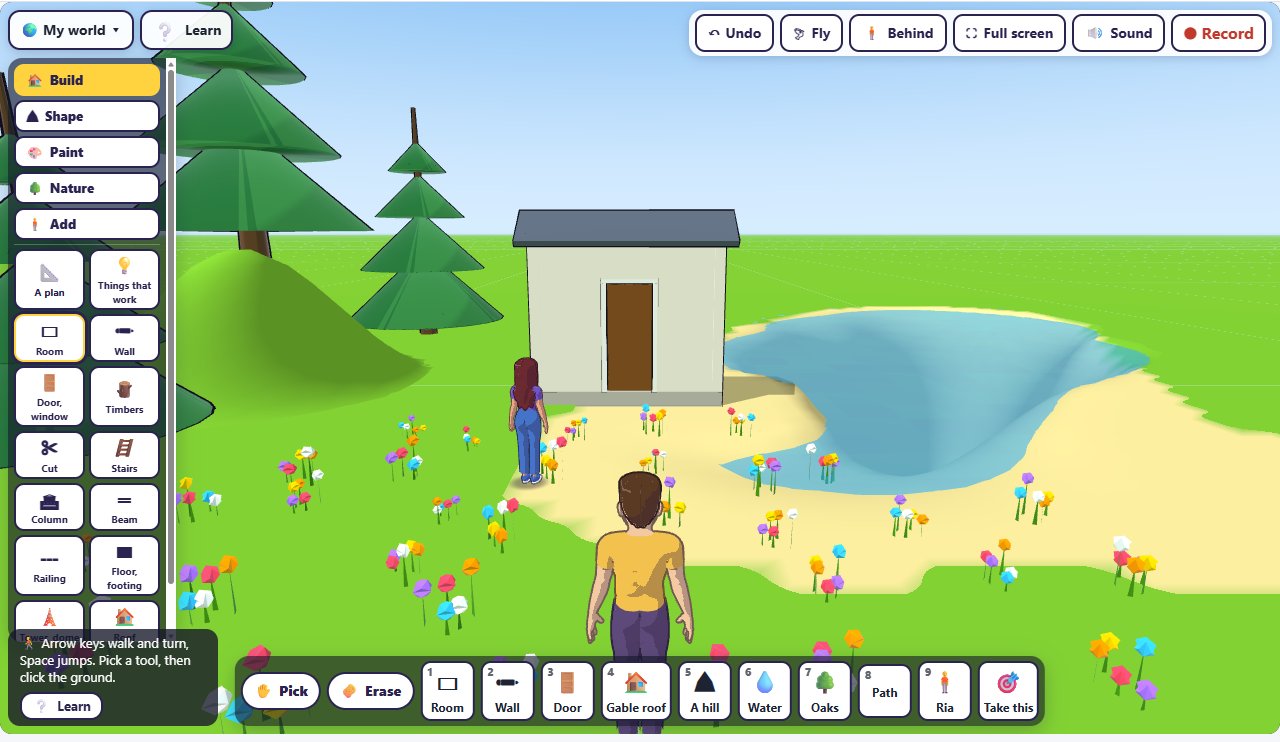
Open this world: the one in these pictures, yours to change. Or start a world of your own.
Shape the land
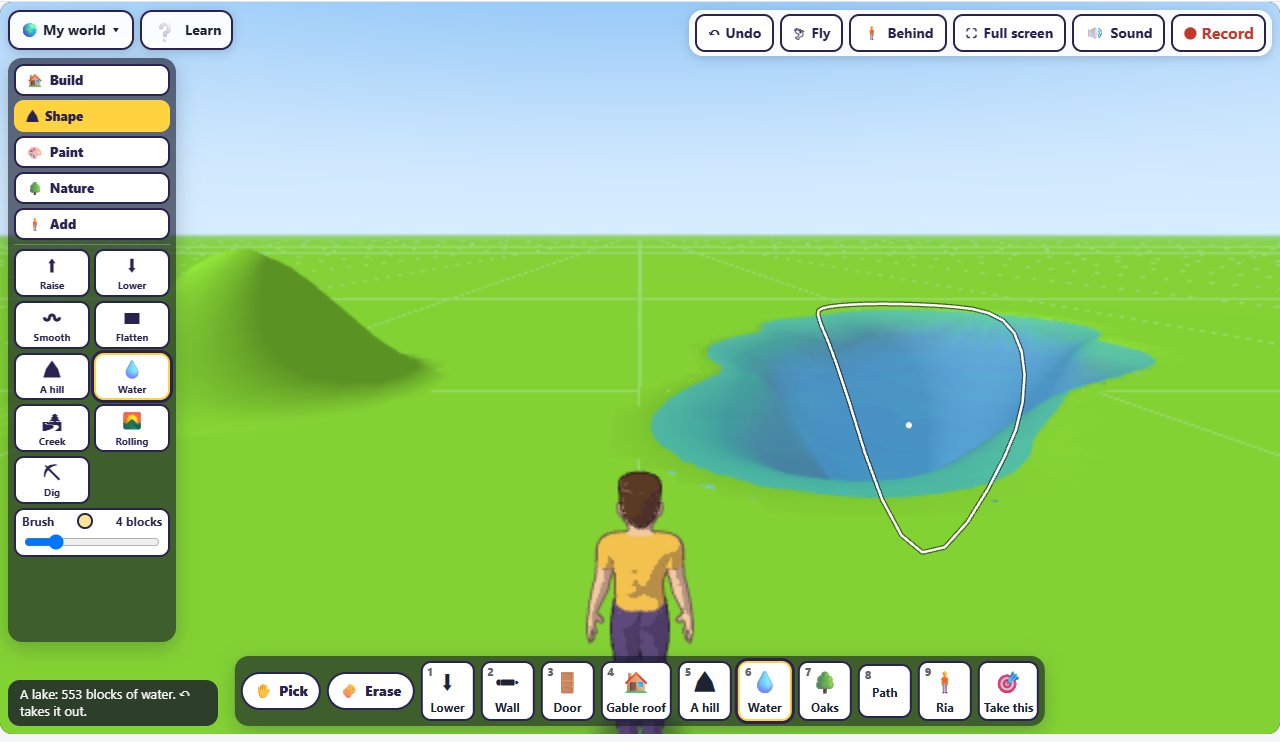
Under ⛰ Shape, the ground is yours to change: raise it, lower it, smooth it, flatten it, or make a hill, an island, a creek or rolling ground; ⛏ Dig digs a way down, a stair to a room under the ground for a basement. For a lake, lower a hollow, then press 💧 Water and click in it: it fills to the ground's level. This one took 553 blocks of water. Under 🎨 Paint, the ground itself: grass, lawn, long grass, sand, rock, snow, path, dirt, field or mud.
Plant and build
Under 🌳 Nature, brush trees and plants onto the ground: oaks, pines, birches, a wood, bushes, rocks, boulders, flowers, reeds, palms, cactuses, desert scrub, wheat, corn or a garden. Under 🏠 Build, drag out a room on the grass, click a wall for a door or a window, and click the house for a roof; there are walls, timbers, stairs, columns, beams, railings, floors, towers and domes too. The bar at the bottom is a hotbar: the keys 1 to 9 pick its tools. And ❔ Learn has a tutor that walks you through building each of six houses, a step at a time: Minecraft house ideas.
People and animals
Under 🧍 Add, put someone in your world (Ria, Bob, Sam, Sunny, Rose or Lee), an animal (a dog, a cat, a fox, a horse, a gull, a bear, a rabbit, a raccoon or a fish), a vehicle or an object, and say what they do: walk about, walk back and forth, stand still, follow you, or run from you. Ria, here, walks about.
Walk, fly, day and night
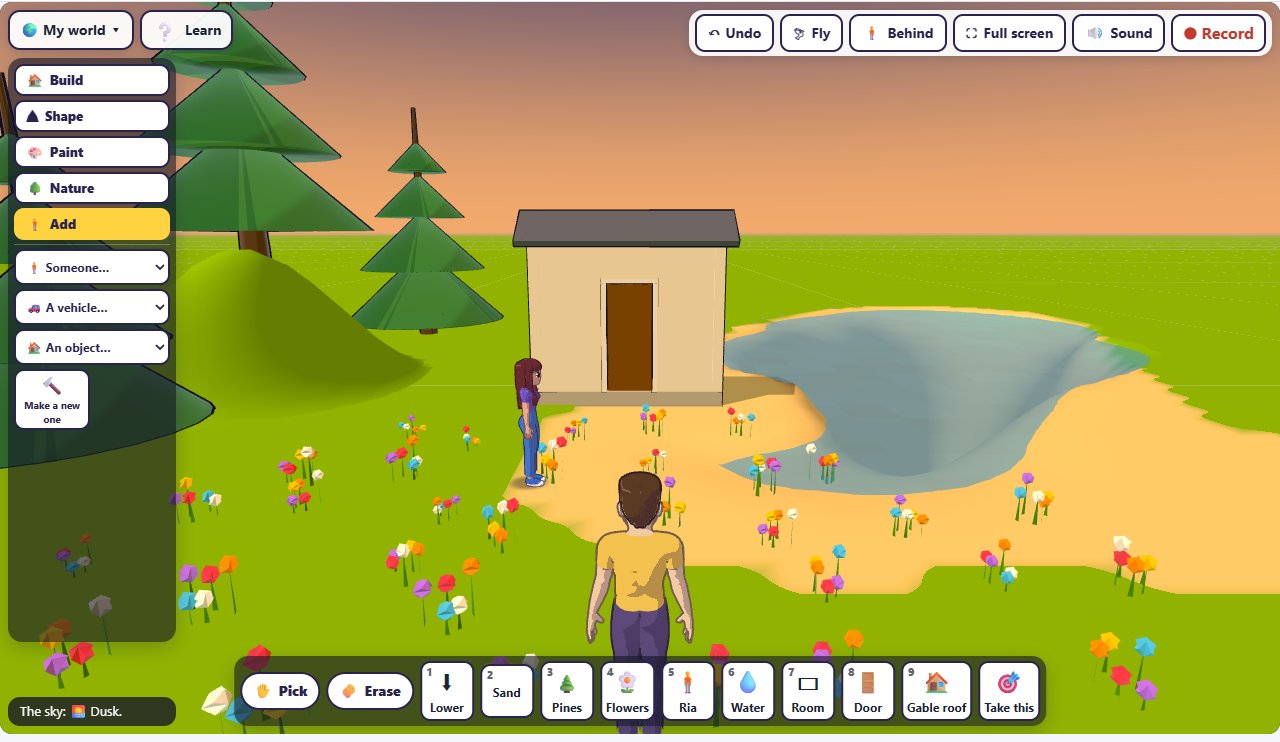
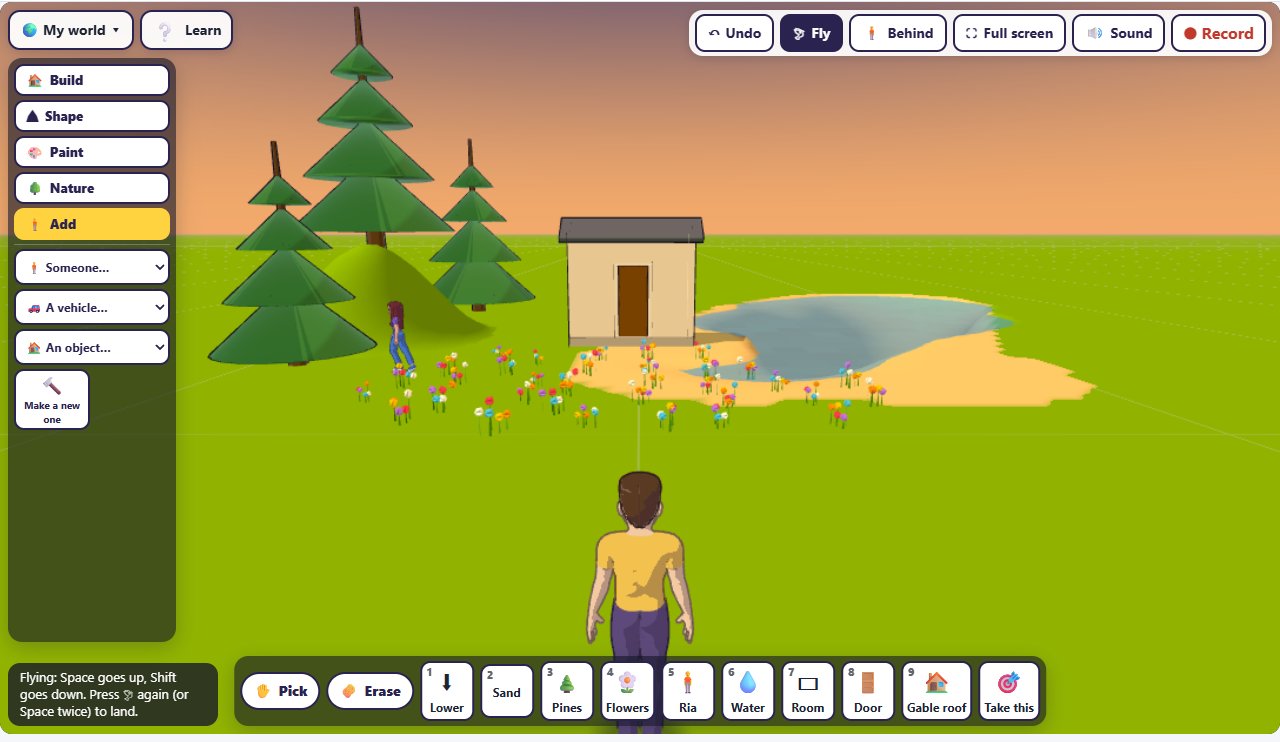
The arrow keys walk and turn, and Space jumps. 🕊 Fly takes you up: Space goes up, Shift goes down, and Fly again (or Space twice) lands you. V changes the view: behind you, through your eyes, or from above. Under 🌍 My world, set the sky to day, dusk or night, or let a day go round in 5, 10 or 30 minutes; the weather to clear, showers, rain, snow or fog; the wind from calm to a gale; and what lies far off: hills, mountains, a forest, the sea or a desert.
Build with friends
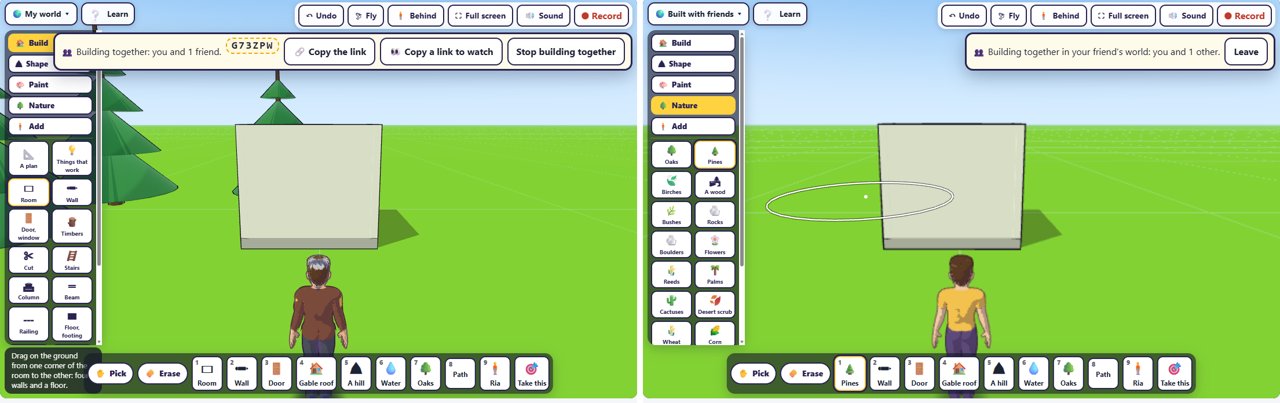
Under 🌍 My world, press 👥 Build together. One of you presses Host: friends join me and gets a code and a link to send; each friend, on their own computer, opens the link or types the code and presses Join. The host lets each one in and presses ▶ Start building together, and from then everyone builds in the host's world at once and sees the others walking in it. Sixteen can build in one world, and up to eight more can watch.
Make a game of it
Under 🌍 My world, press 🎮 Make a game of it: your world becomes the first level of a game. Give it characters and rules, add more levels, then press ▶ Play and walk, turn and jump through it. Make a game without code
Take it into Minecraft
Under 🌍 My world, save your world for Minecraft: Minecraft Java (.schem) for WorldEdit or Litematica, Java, no mods (.nbt) for a structure block, or Bedrock, Education (.mcstructure). This world goes out as 38 × 22 × 32 blocks: stone and dirt under the ground, grass and sand on it, 551 blocks of water, the house's smooth quartz walls and the pines. How to bring the file in: a Minecraft schematic maker. The same menu saves it for Blender, Unity or Godot (.glb), for a 3D printer (.stl or .3mf), as blueprints, or for an architect's program.
Free, in your browser
There is no account to make and nothing to install: the World runs in your browser, on a laptop or a Chromebook. Share & keep gives you a link that carries the whole world, and whoever opens it gets a copy of their own; 💾 Save it as a file keeps it on your computer. Or ask ChatGPT, Claude, Gemini, Grok or any AI assistant that can use tools to make you one with the Jabbertoon tools: "make a small town I can walk through". How to connect your AI