Fly out
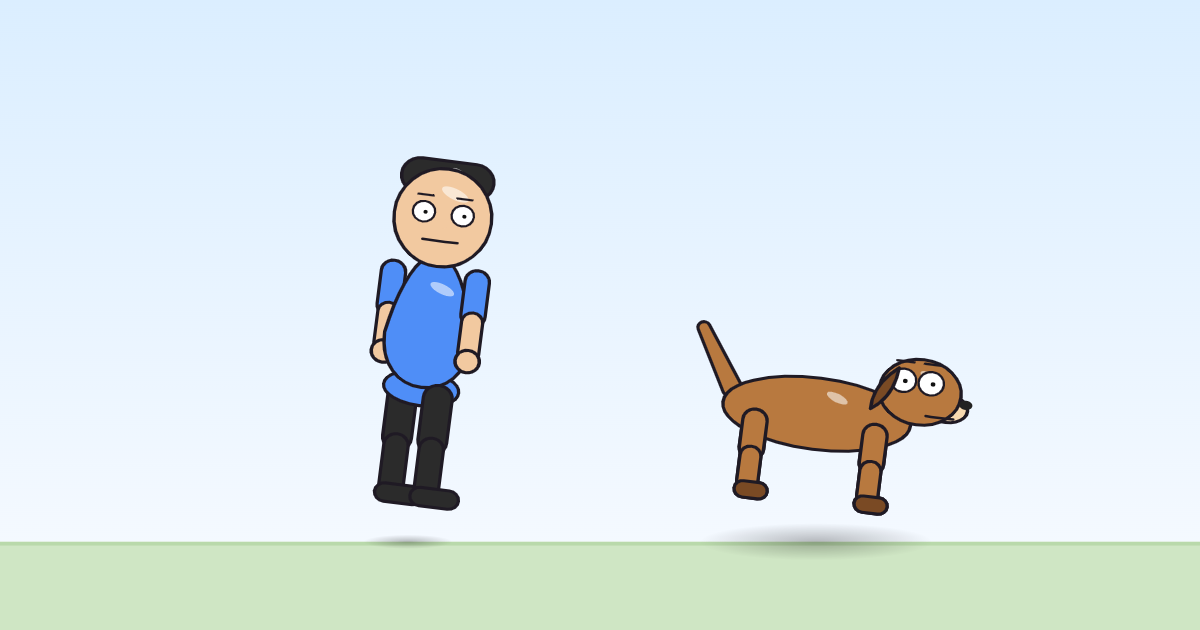
An exit into the sky: the character rocks, flutters, and accelerates up and away to the upper left until it is gone.
Use it in a cartoonOpen it in the block editorThe pack file (JSON)
What it is for
Fly out is the exit for a flying character, or for anything that needs to leave a scene quickly upward: a balloon let go, a superhero answering a call, a ghost vanishing. It uses the whole time it is given, so it ends with the character off the top left of the frame. Afterwards the character stays out of view until another move brings it back, so follow it with a cut to a new scene.
The principle it shows: slow in and slow out
Here the glide uses the ease called in: it starts slowly and keeps speeding up, the "slow in" half of the principle on its own. A take-off that gathers speed feels like effort and lift. Played the other way, with out, it looks as if the character were thrown, which is the second edit below.
The program, line by line
settings: to_dx = -840, to_dy = -540, t_out = (dur)
when it starts
  sin wave on rot · w 24 · amp 8
  sin wave on sy · w 24 · amp 0.06
  sin wave on sx · w 24 · amp -0.03
  glide dx (to_dx), dy (to_dy) over (max(t_out, 0.1)) s (in)
settings: to_dx = -840, to_dy = -540, t_out = (dur)— where the flight ends (840 pixels left and 540 up from the character's spot, negative being left and up) and how long it takes (dur, the whole time the move is given).sin wave on rot · w 24 · amp 8— a fast rock of 8 degrees, almost four times a second.sin wave on sy · w 24 · amp 0.06andsin wave on sx · w 24 · amp -0.03— the flutter: 6% taller and 3% narrower and back, in time with the rock.glide dx (to_dx), dy (to_dy) over (max(t_out, 0.1)) s (in)— the flight: up and away to the end point, starting slowly and accelerating.
Try this
Leave to the right instead of the left. The character now takes off toward the upper right; pair it with a Fly in from the left and it crosses the whole sky.
In the program:
params.to_dx-840→840Change the ease from in to out. The take-off now starts fast and slows down as it rises, more like a rocket that runs out of power than a bird gathering speed.
In the program:
ramp · ease"in"→"out"
How it differs from Fly in and Run off and back
Fly in is its mirror: it arrives from the upper right, slows down and lands, and its rocking calms as it does. Fly out rocks harder from start to end and speeds up. Run off and back leaves at ground level and comes back by itself.
Works on
| Body | Moves? | What moves |
|---|---|---|
| 2 legs (a person) | yes | whole body |
| 4 legs (a dog) | yes | whole body |
| no legs (the monster with no legs) | yes | whole body |