Slide in
Made for props, good for characters: the thing slides in from the right, squishes a little on the way and comes to rest.
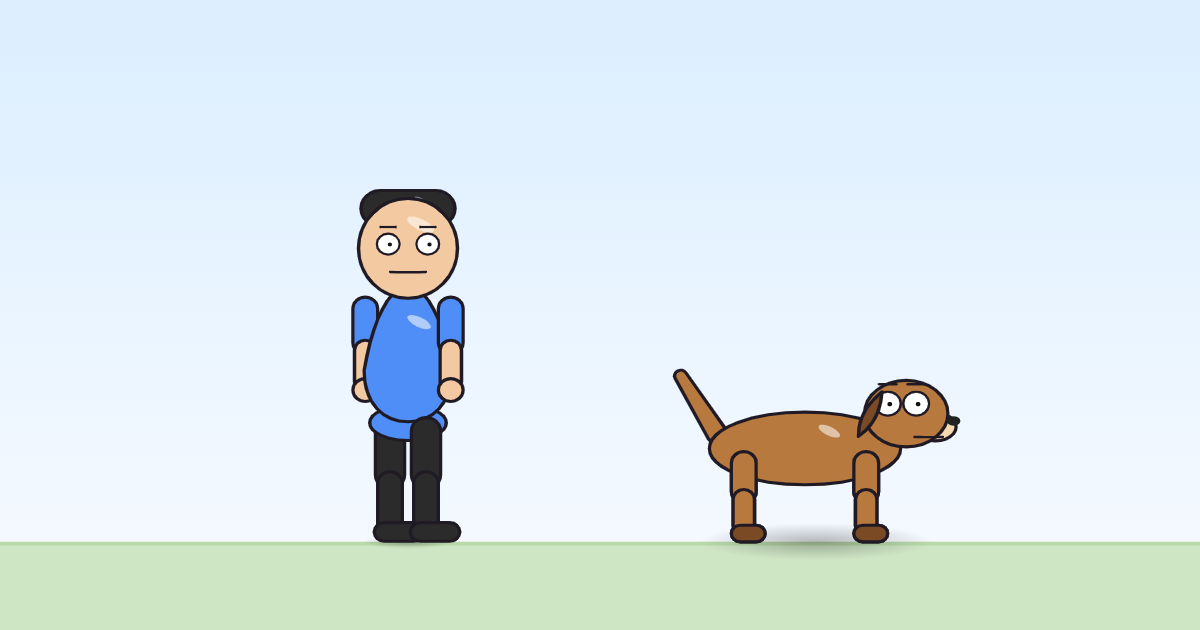
Use it in a cartoonOpen it in the block editorThe pack file (JSON)
What it is for
Slide in was written for props: a sign that slides into view, a plate pushed across a counter, a gift that appears at the right moment. It also works on a character who should arrive without walking, for example on a skateboard, or as a joke when a character is "pushed" on stage. It is short: the slide takes 60% of the move's time, at most 1.2 seconds, and then the thing stays still.
The principle it shows: squash and stretch
While it slides, the shape changes once: it grows 4% wider and 4% shorter, then returns to normal just as it stops. A single, gentle squash like this tells the viewer the thing has weight and was moving fast. If the shape stayed perfectly rigid, the slide would look like a picture dragged across the screen.
The program, line by line
settings: from_dx = 460, t_in = (min(dur*0.6, 1.2))
when it starts
  set dx (from_dx)
  at the same time:
    — 1:
      glide dx 0 over (max(t_in, 0.1)) s (smooth)
    — 2:
      for (max(t_in, 0.1)) s:
        sin wave on sx · w (pi/max(t_in, 0.1)) · amp 0.04
        sin wave on sy · w (pi/max(t_in, 0.1)) · amp -0.04
settings: from_dx = 460, t_in = (min(dur*0.6, 1.2))— where it starts (460 pixels to the right) and how long the slide lasts: 60% of the move's time, but never more than 1.2 seconds.set dx (from_dx)— jump to the starting point.at the same time:— two branches. The first glidesdxto 0 with a smooth ease. The second,for (max(t_in, 0.1)) s:, runs two waves for exactly as long as the slide:sin wave on sx · w (pi/max(t_in, 0.1)) · amp 0.04and the same onsywithamp -0.04. The speedpi/t_inis chosen so that each wave makes exactly half a swing during the slide: up from nothing, to its largest in the middle, and back to nothing at the end. When theforends, the waves stop and the shape is back to normal.
Try this
Start 460 pixels to the left instead of the right. The prop or character now slides in from the other side.
In the program:
params.from_dx460→-460Make the squish 15% instead of 4%. The thing now flattens noticeably as it slides, like a jelly being pushed across a table.
In the program:
wave · amp0.04→0.15
How it differs from Walk in and Fly in
Walk in and Fly in are entrances for characters: one walks, one flies, both from further away and with more movement in the body. Slide in has no steps and no rocking, just the glide and the squish, which is why it suits objects.
Works on
| Body | Moves? | What moves |
|---|---|---|
| 2 legs (a person) | yes | whole body |
| 4 legs (a dog) | yes | whole body |
| no legs (the monster with no legs) | yes | whole body |