Walk in
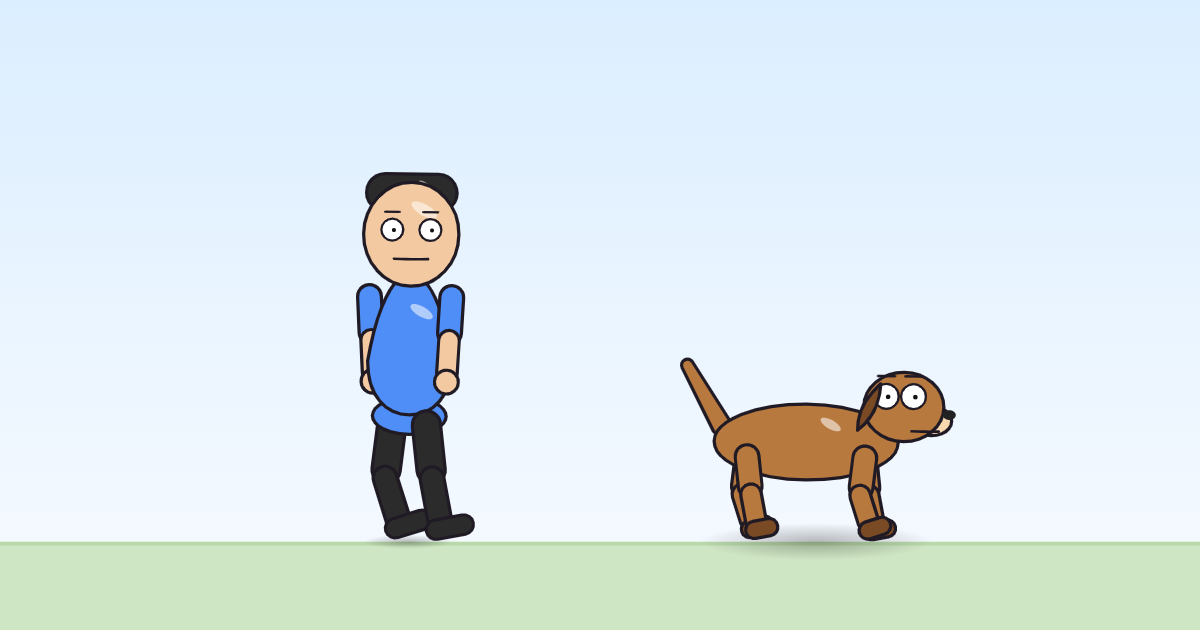
An entrance on foot: the character starts off to the left, walks in with real steps, slows to a stop on its spot and stands there.
Use it in a cartoonOpen it in the block editorThe pack file (JSON)
What it is for
Walk in is the everyday entrance: a character arriving in a scene, coming home, joining a conversation. It starts 760 pixels to the left of the character's spot, which is off the side of a full-HD frame for a character standing near the middle, and arrives in 2.4 seconds when the move is given 4. In the example cartoon Sunny walks on with this move, its travel set to zero, while the scene's own enter block carries her across, before she says good morning. A dog drawn facing right walks forward into the scene; a person drawn facing you walks in sideways, as cartoon people often do.
The principle it shows: slow in and slow out
The glide that carries the character across uses a smooth ease: it starts slowly, speeds up in the middle and slows again before it stops. Combined with the steps, that makes the arrival look as if the character chose where to stop. A linear glide would arrive at full speed and halt dead, which looks mechanical. The walk stops at the same moment as the glide, so the feet never slide.
The program, line by line
settings: from = -760, to = 0, t_in = (min(max(dur*0.6, 0.5), 3.0))
when it starts
  set dx (from)
  at the same time:
    — 1:
      glide dx (to) over (max(t_in, 0.1)) s (smooth)
    — 2:
      for (max(t_in, 0.1)) s:
        walk cycle every 0.62 s · arm swing 0.45 · bob -2/3 · roll 1
  abssin wave on dy · w 2 · amp -2 · offset -1 · on the behaviour clock
settings: from = -760, to = 0, t_in = (min(max(dur*0.6, 0.5), 3.0))— three settings a scene can change.fromandtoare where the walk starts and ends, in pixels from the character's spot.t_inis how long the walk takes: 60% of the time the move is given, but never less than half a second or more than 3 seconds.set dx (from)— jump to the starting point at once.at the same time:— two branches. The first,glide dx (to) over (max(t_in, 0.1)) s (smooth), carries the body to its spot with a smooth ease. The second,for (max(t_in, 0.1)) s:withwalk cycle every 0.62 s · arm swing 0.45 · bob -2/3 · roll 1, walks for exactly as long: a stride every 0.62 seconds, the arms swinging against the legs, the body held 2 pixels high and bobbing up 3 more with each step, rolling 1 degree. When theforends, the legs stop.abssin wave on dy · w 2 · amp -2 · offset -1 · on the behaviour clock— after arriving, a small settling bob of a couple of pixels. "On the behaviour clock" means it keeps time from the start of the move.
Try this
Change where it stops from 0 to 300. The character now walks past its usual spot and halts 300 pixels further to the right, handy when two characters must not end up on top of each other.
In the program:
params.to0→300Take a step every 0.4 seconds instead of 0.62. The character hurries in with quick little steps, though it still covers the same distance in the same time.
In the program:
gait · every0.62→0.4
How it differs from Run in and Walk on and off
Run in comes from much further away, hopping, with the arms pumping, and never stops bouncing. Walk on and off walks in with a simpler leg swing, stands for a moment and walks back out the same way. Walk in arrives and stays.
Works on
| Body | Moves? | What moves |
|---|---|---|
| 2 legs (a person) | yes | whole body, arms, legs |
| 4 legs (a dog) | yes | whole body, front legs, back legs |
| no legs (the monster with no legs) | yes | whole body |